Shenzhen Clever Electronic Co., Ltd
23
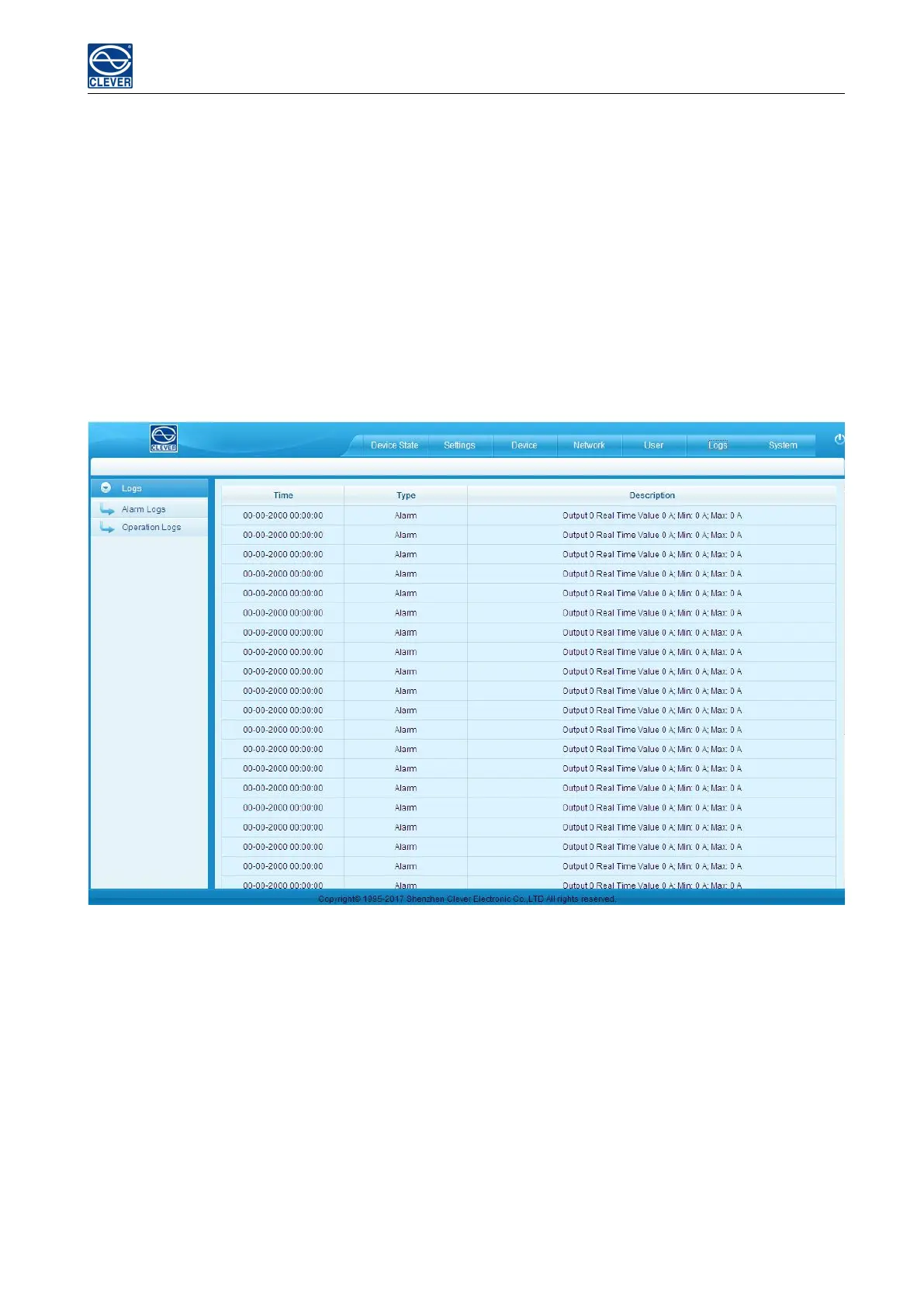
Log information: time, log type and detail information
Memory capacity: Max 150 logs, the initial logs will be removed when reached 150 logs.
To view the logs:Click a page number to open a specific page of the log
Every page display 30 logs and maximum support to 5 pages; the initial pages will be deleted when over 5
pages
To delete the log:Click Delete on the web page, at the prompt, check OK to delete all the logs.
To export the log: The logs from the current page can be exported via xls format through IE/Google/Firefox
browser.
Figure 1-15
Note: At the prompt of “Sever object cannot be built”, please try again after configuring the security level of IE
browser following the below steps:
The internet Explorer goes to: Tools-- Internet Options-- Security- Custom Level-- Tick off Enable(unsafe) from
Initialize and script ActiveX controls not marked as safe for scripting--- OK-- OK
G. System command settings:
To Restart or Restore to factory settings from the system command drop-down list.



 To Next Page