1 - 4 Overview
Quick Start Guide
1
System Software
Your computer may already come with system software pre-installed. Where this is not the case, or where you
are re-configuring your computer for a different system, you will find the following operating systems are sup-
ported.
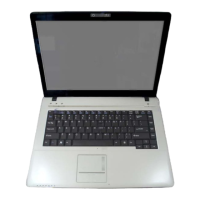
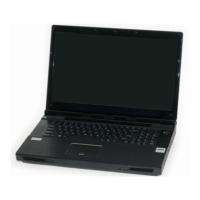
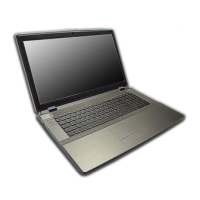
Table 1 - 1 - Model Differences
*Note: For information on the Windows XP OS (specifically power, video and driver information) see “Win-
dows XP Information” on page D - 1.
Operating System & Version Note
*Windows XP (Home or Professional)
In order to run Windows XP without limitations or decreased
performance, your computer requires a minimum 512MB of system
Windows Vista (64-bit) Home Basic Edition
In order to run Windows Vista without limitations or decreased
performance, your computer requires a minimum 1GB of system
memory (RAM).
Windows Vista (64-bit) Home Premium Edition
Windows Vista (64-bit)
Business/Enterprise/Ultimate Editions



 To Next Page