BIOS Utilities
5 - 12 TPM State
5
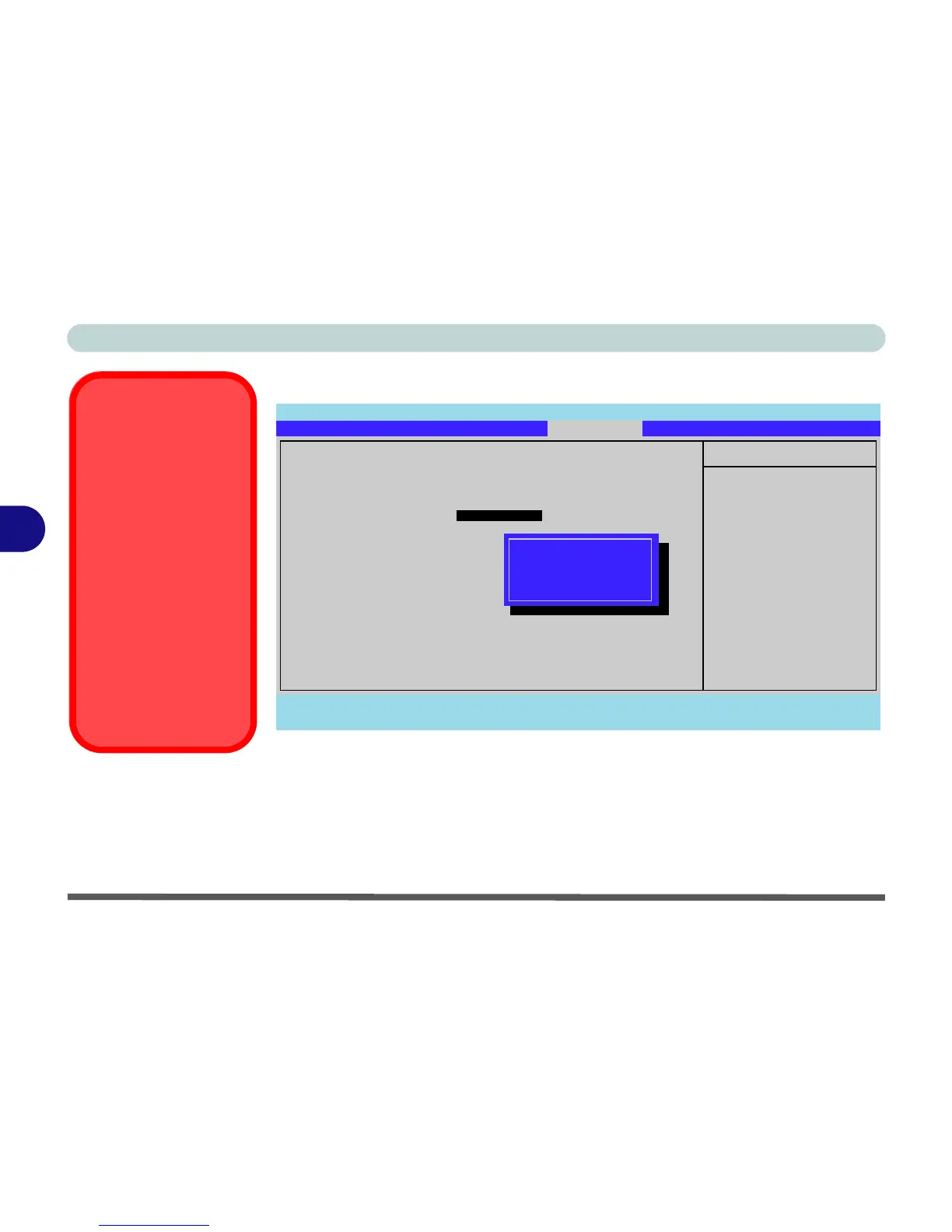
TPM State
Change TPM State (TPM State)
This menu allows you to set the level of TPM functionality. You can enable/disable
the TPM function altogether, or clear all existing TPM information.
Note: If you clear all TPM information it will be erased altogether and the informa-
tion will need to be reconfigured.
Main Advanced Security Boot Exit
F1 Help Select Item -/+ Change Values F9 Setup Defaults
Esc Exit Select Menu Enter Select Sub-Menu F10 Save and Exit
Item Specific Help
Changes TPM State
TPM State
Current TPM State: Enabled and Deactivated
Change TPM State [No Change ]
No Change
Enable & Activate
Deactivate & Disable
Clear
Phoenix TrustedCore(tm) Setup Utility
TPM State Menu
To access this menu
you must first enable
TPM support from the
security menu (see
page 5 - 11).
Password
Protection
Note that you should set
a supervisor password
in the BIOS to protect
the TPM information
from being tampered
with by unauthorized us-
ers.
Figure 5 - 5
TPM State



 To Next Page