Clickfree DVD Transformer for Macintosh: User Guide Backing up my content (DVD)
To remove a folder:
a. Select the folder to be removed
b. Click
Note: You must choose at least one folder.
9. When you are finished choosing folders, click OK twice, and continue with step 10.
10. When you have made your choices, click Start to begin the backup.
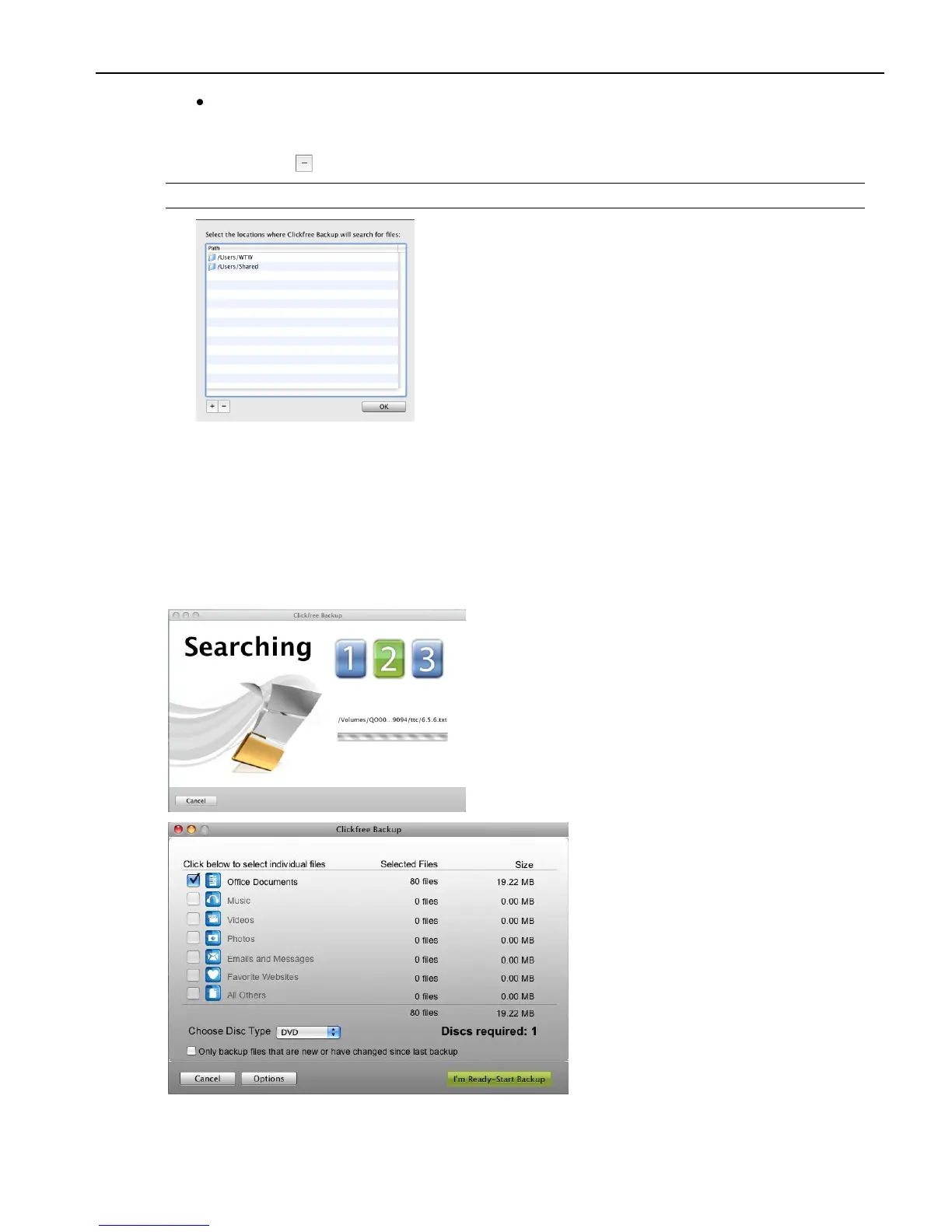
Clickfree searches for content to back up
Before actually backing up any content, Clickfree adds up the sizes of the files in the
complete folders you chose, or searches the folders you chose for your chosen categories of
content and adds up the sizes of all of the content it finds:



 To Next Page