Clickfree DVD Transformer for Macintosh: User Guide Restoring my content (DVD)
CHOOSING WHERE TO RESTORE CONTENT TO
5. What you do next depends on whether you want to restore your content to the default
folder or to somewhere else.
If you want to restore your content to the default folder, go to step 7.
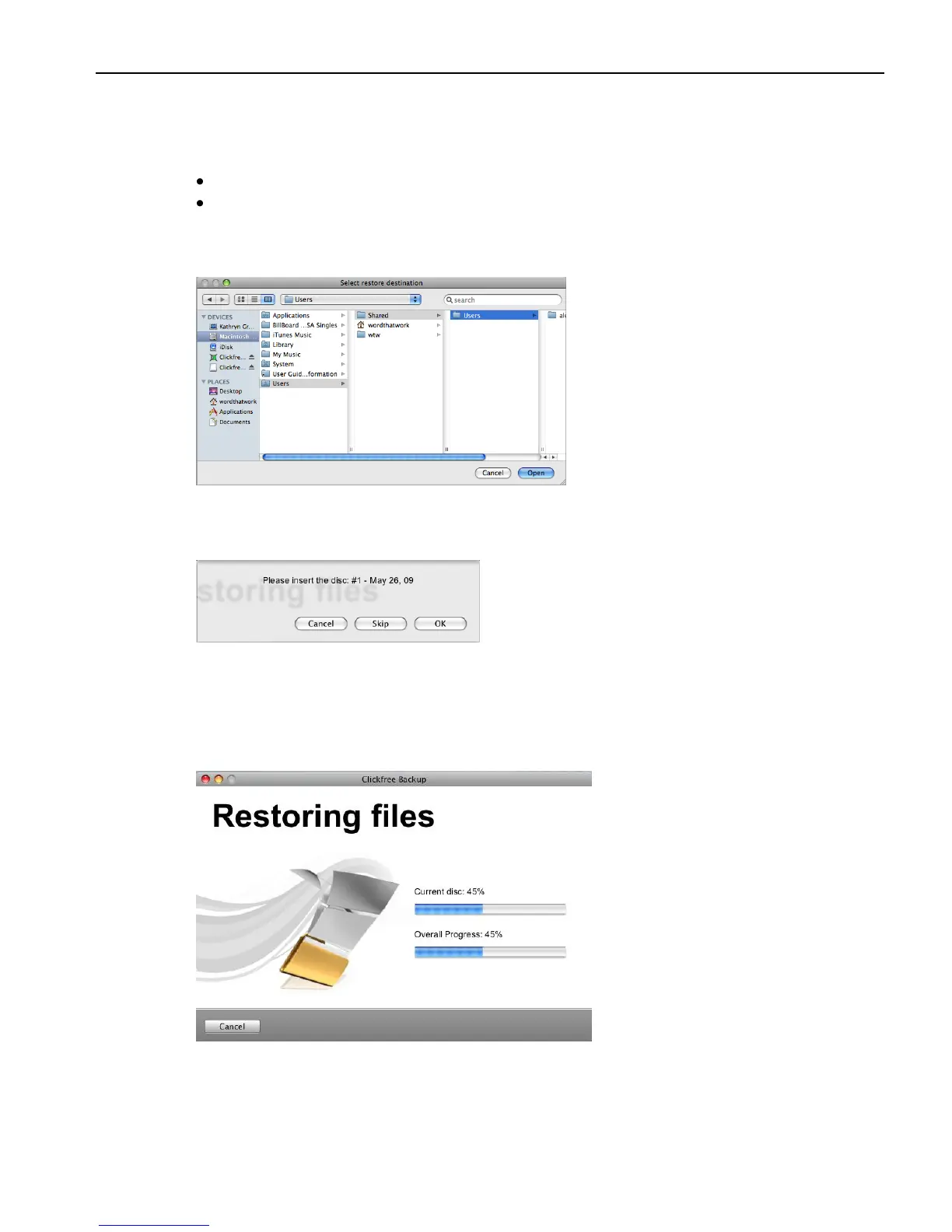
If you want to restore your files to another folder, click Change Destination, and
continue with step 6.
6. Navigate to your chosen destination and click Open.
7. Click Next.
If necessary, Clickfree prompts you to insert the required disk:
8. Insert the requested backup disk.
9. Assuming that there is enough space on your hard disk, the restore starts.
As Clickfree restores your content, it shows you what is happening and how far it has
gotten in the process.



 To Next Page