Clickfree DVD Transformer for Macintosh: User Guide Advanced topics (DVD)
2. Click Restore Files and continue with the normal restore procedure.
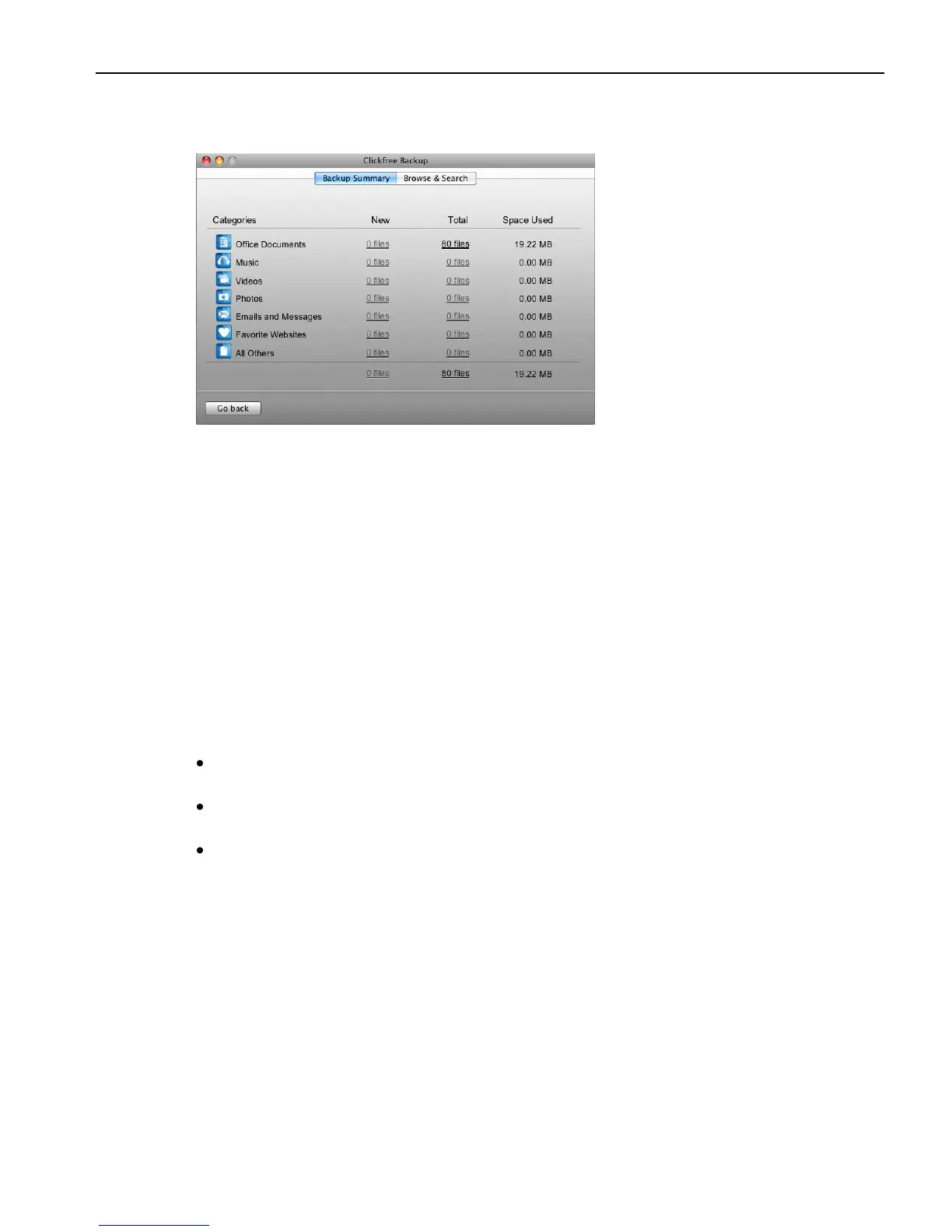
3. If you click View, you see a summary of backed-up files.
You can continue with the normal browsing and searching functions.
HOW DO I MAKE MULTIPLE BACKUPS?
The first time you back up a user‟s content using the DVD Transformer, Clickfree makes a
full backup. The next time you perform a backup for the same user you can choose to back
up only new and changed content.
If you want to keep multiple backups of a user‟s content, on the Search Summary window
uncheck Only backup files that are new or have changed since the last backup.
CLICKFREE TOOLS
Several tools are available for working with Clickfree:
Manage backups – shows backup information and allows you to remove all
backups for a user
Master reset - removes all back up history from the DVD Transformer, and undoes
any changes you have made to the backup settings.
Verify – checks that files have been correctly written to CD/DVD, and that they can
be read



 To Next Page