Clickfree DVD Transformer for Macintosh: User Guide Advanced topics (DVD)
To use these tools:
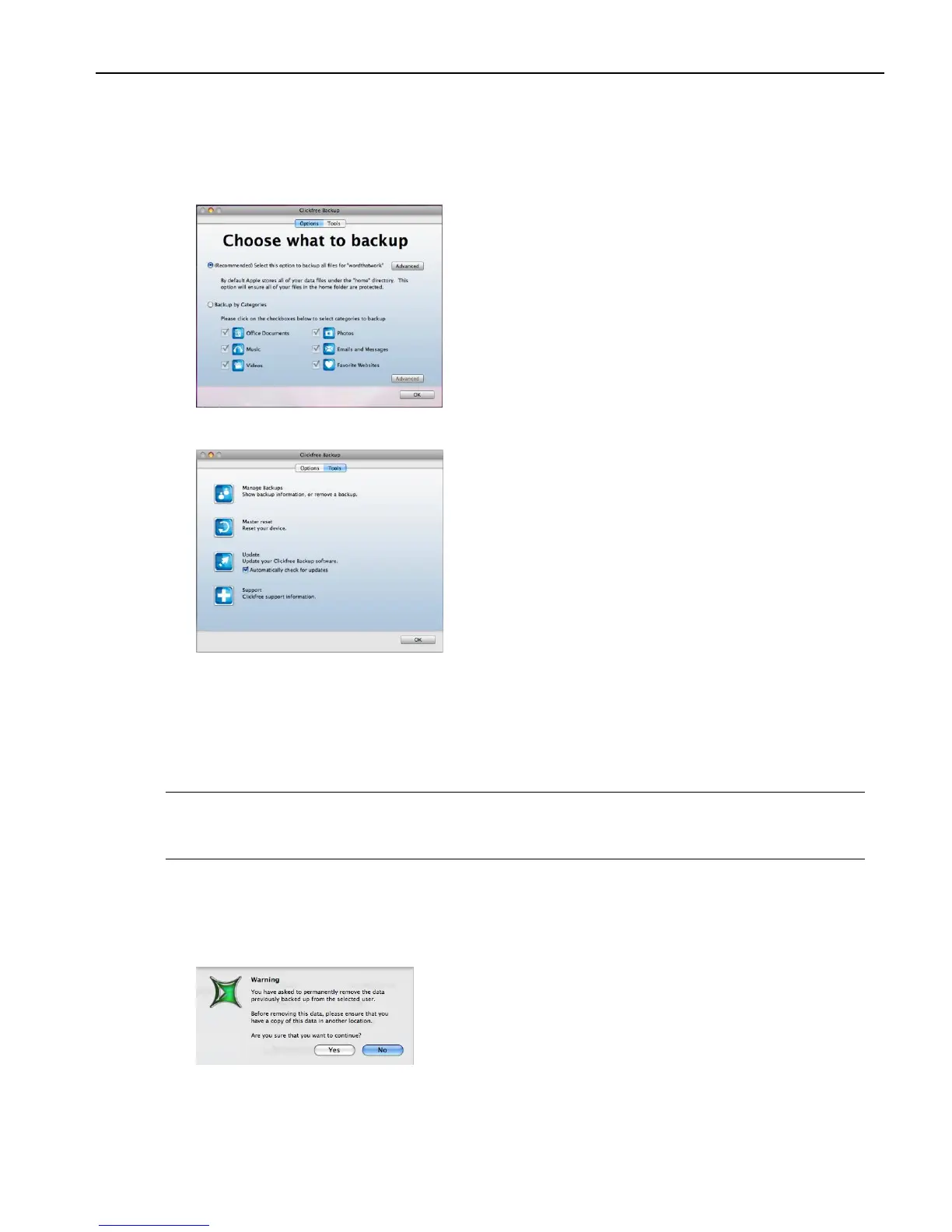
1. Follow step 1 of the procedure “How do I start a DVD backup or restore?” on page 31.
2. When you see the countdown window, click Options before the countdown reaches
zero:
3. Click Tools to show the available tools.
MANAGE BACKUPS
To remove a user:
If you no longer want to keep back up history for a user, you can remove the information
from the Clickfree DVD Transformer.
Note: Even after you remove a user from your DVD Transformer, you can still restore
content from backup disks. However, information about which files are on which
disk is lost.
1. On the Tools window click Manage Backups.
2. Click the user you want to remove.
3. Click Remove Backup.



 To Next Page