Clickfree DVD Transformer for Macintosh: User Guide Backing up my content (DVD)
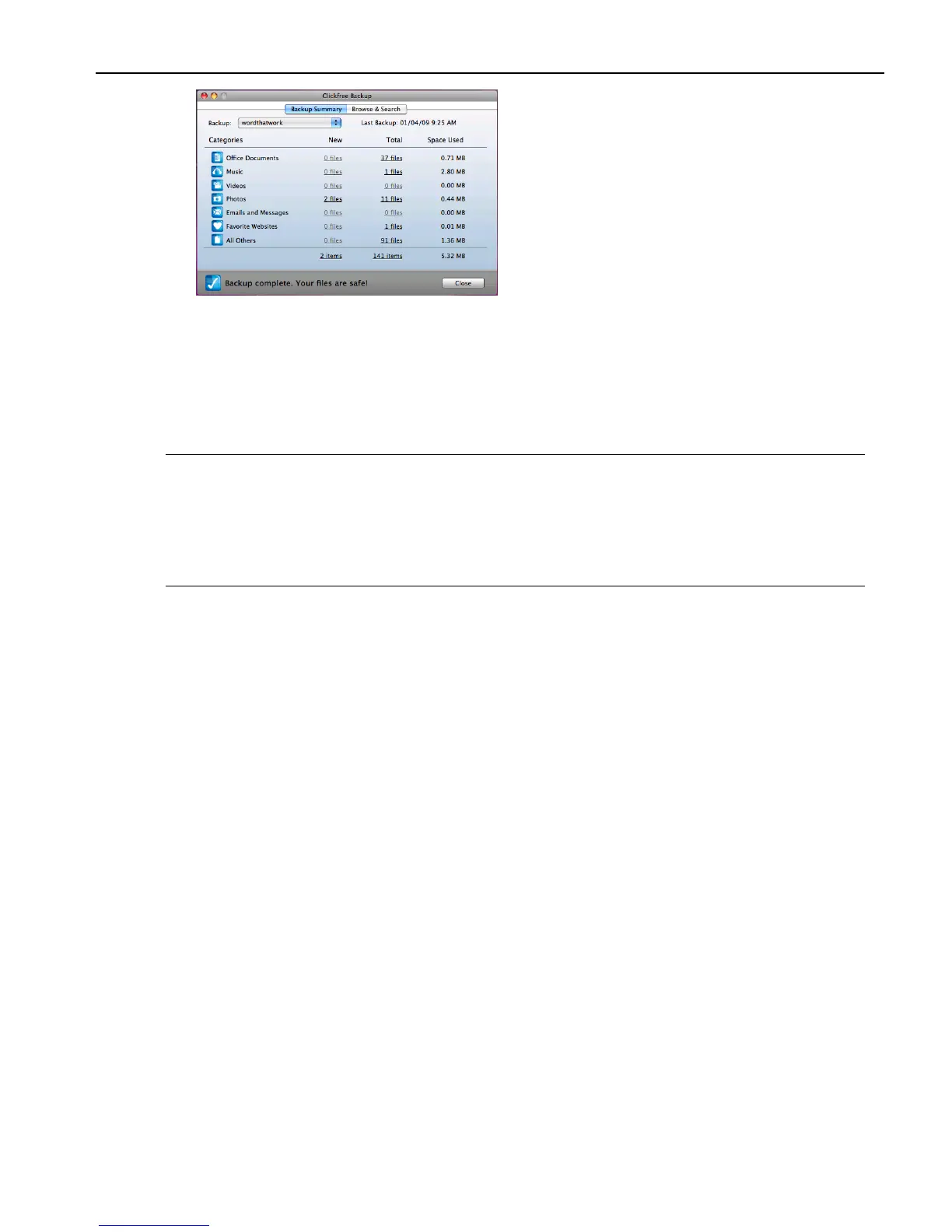
The Backup Summary window shows you how many files in each category were
backed up this time (New column), and from all backups including this one, for this
user (Total column). The Space Used column shows the amount of space that files from
all backups for this user take up on their respective backup disks.
When you see the Backup Summary window, unplug the DVD Transformer, label the
backup disk(s), and store them in a safe place.
Note: Clickfree tells you to label the disk with a number and date.
If you have more than one computer to back up, you should also write the
computer‟s name (seen on the Backup Summary screen) on the disk.
In addition, since Clickfree identifies backups by number, date, and time, you
should also write the time of backup if it is possible that you may make more than
one backup in a day.



 To Next Page