9
© 2008 directed electronics
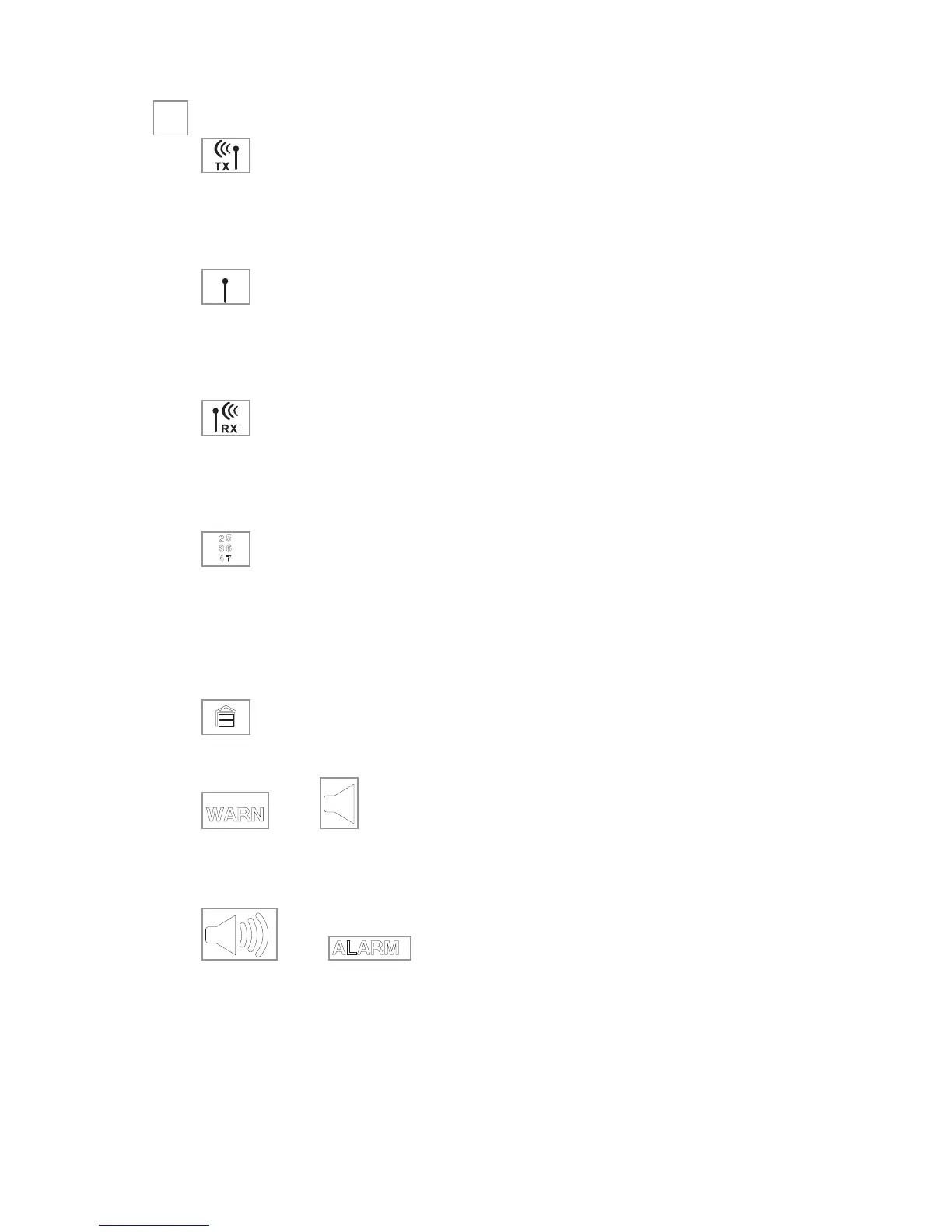
Standard LCD icon configurations (2-way only)
Icon
The transmit icon will be displayed while the remote control is
transmitting a command to the vehicle.
Icon
The signal icon will be displayed if a command is transmitted to
the vehicle but the command page is not received.
Icon
The receive icon will be displayed while the remote control is
receiving a page from the vehicle.
Icon
The auxiliary and sensor icons will display which auxiliary is oper-
ating, or which security sensor (zone 2,4 or 7) is in Warn Away
®
or alarm state.
Icon
The garage door icon—for use with optional 519H2.
and Icons
The above Warn Away
®
displays when a security feature has been
tripped, but not to full alarm.
and Icons
The above icons will display when a security feature has been
tripped to a full alarm condition.
➜



 To Next Page