14
© 2008 directed electronics
PPrrooggrraammmmiinngg LLCCDD rreemmoottee
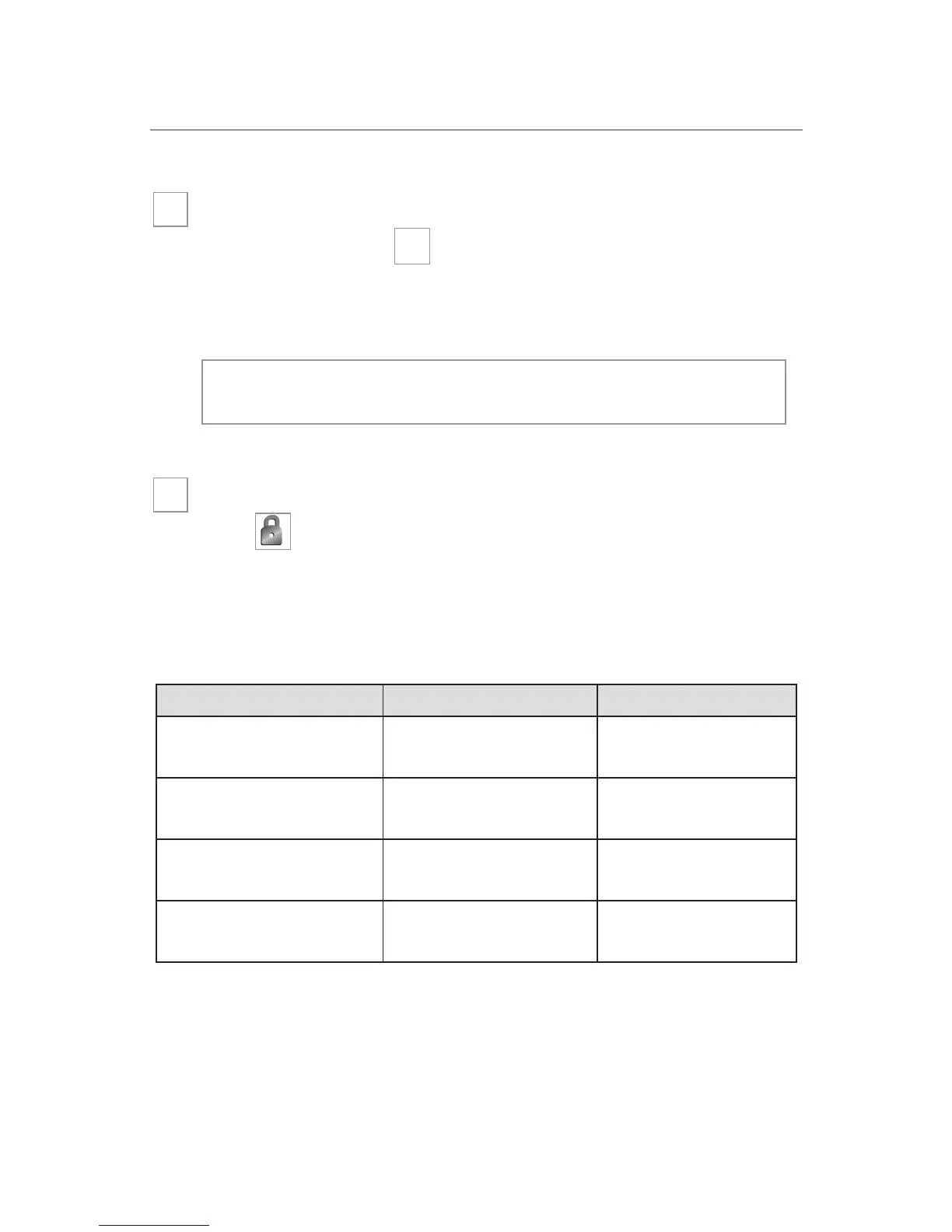
To enter programming mode
Press and hold the button until one long beep is heard.
Programming mode to customize the remote’s response is now
entered.
Beeps/Vibration On/Off
Press to select beeps/vibration On/Off. Beeps alone, vibra-
tion alone, beeps and vibration, or no beeps and vibration can be
selected. Refer to the table below for these settings.
**NNoottee::
This is icon display during programming.
BBeeeepp//VViibbrraattee sseettttiinnggss PPrrooggrraammmmiinngg rreessppoonnssee IIccoonn ddiissppllaayy**
Beeps only (default) 1-beep Siren icon On
Vibrate only 1-vibrate Vibrate icon On
Beep & Vibrate 1-beep and 1-vibrate
Vibrate and siren icon
On
No Beep and No Vibrate 1 long beep
Vibrate and siren
icons Off
➜
nnoottee::
If no buttons are pressed within 5-seconds, pro-
gramming mode will exit with 2-beeps.
P
➜





 To Next Page