11
© 2008 directed electronics
press and release the program button until the vehicle number is
shown.
For example, If the remote was originally on vehicle number 1 and
a trigger page was received for vehicle number 2, the remote will
show the trigger alarm and show number 2 on the display. After
clearing the page, press and release the program button until number
1 is displayed. Now you can operate the alarm system on vehicle
number 1.
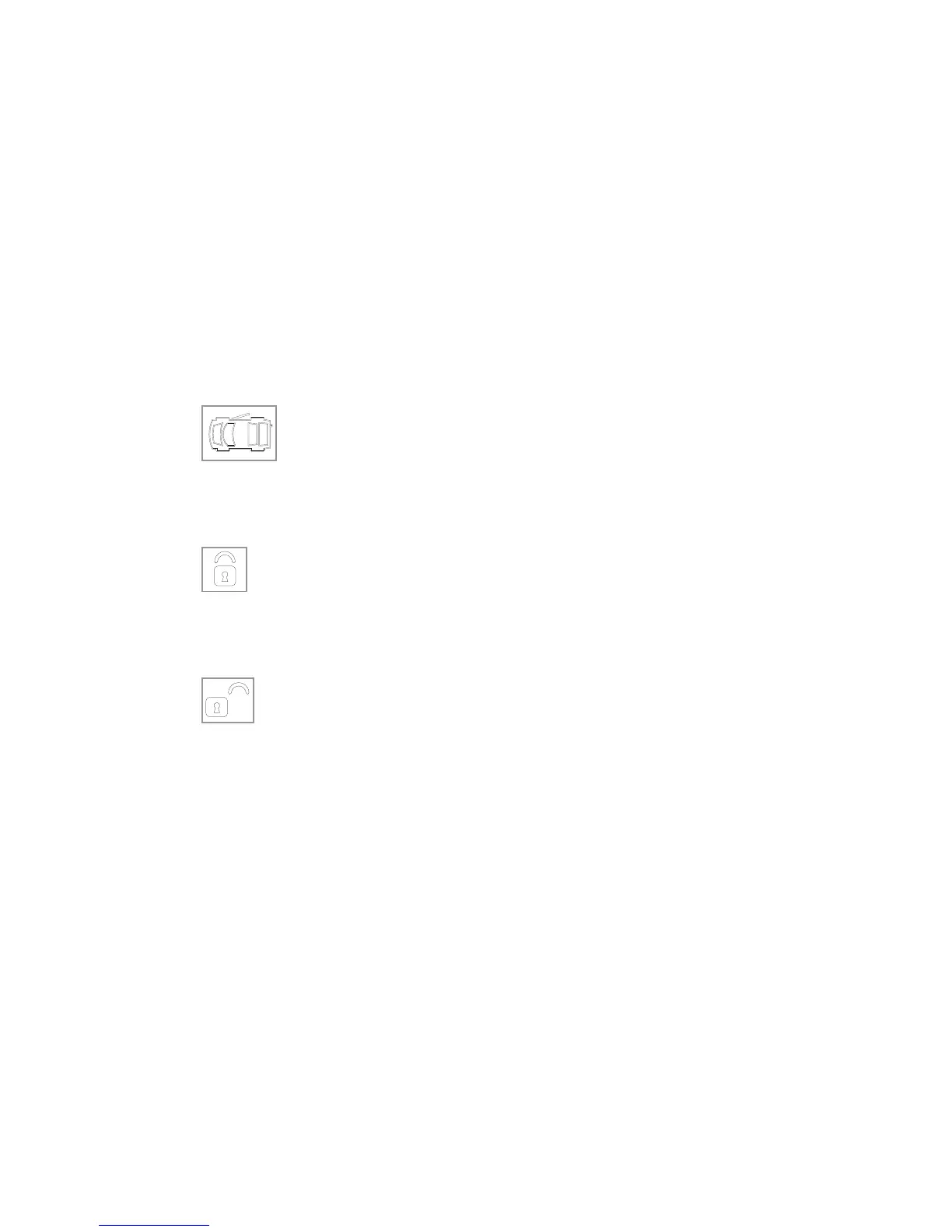
Icon
The door icon will display for full alarm by flashing for a few
seconds and then display continuously until the page is cleared.
Icon
The arm icon will flash when the system is locking the doors and
display continuously until the system is armed.
Icon
The disarm icon will flash when the system is unlocking the
doors and display continuously until the system is disarmed.



 To Next Page