ClonerAlliance ViewLite AV User Manual
For TF Cards
• View the content through the TF card reader
1. Insert the TF card into a card reader
2. Plug the TF card reader to the USB socket of PC.
3. Launch TF card on PC.
• Playback directly with ClonerAlliance ViewLite AV
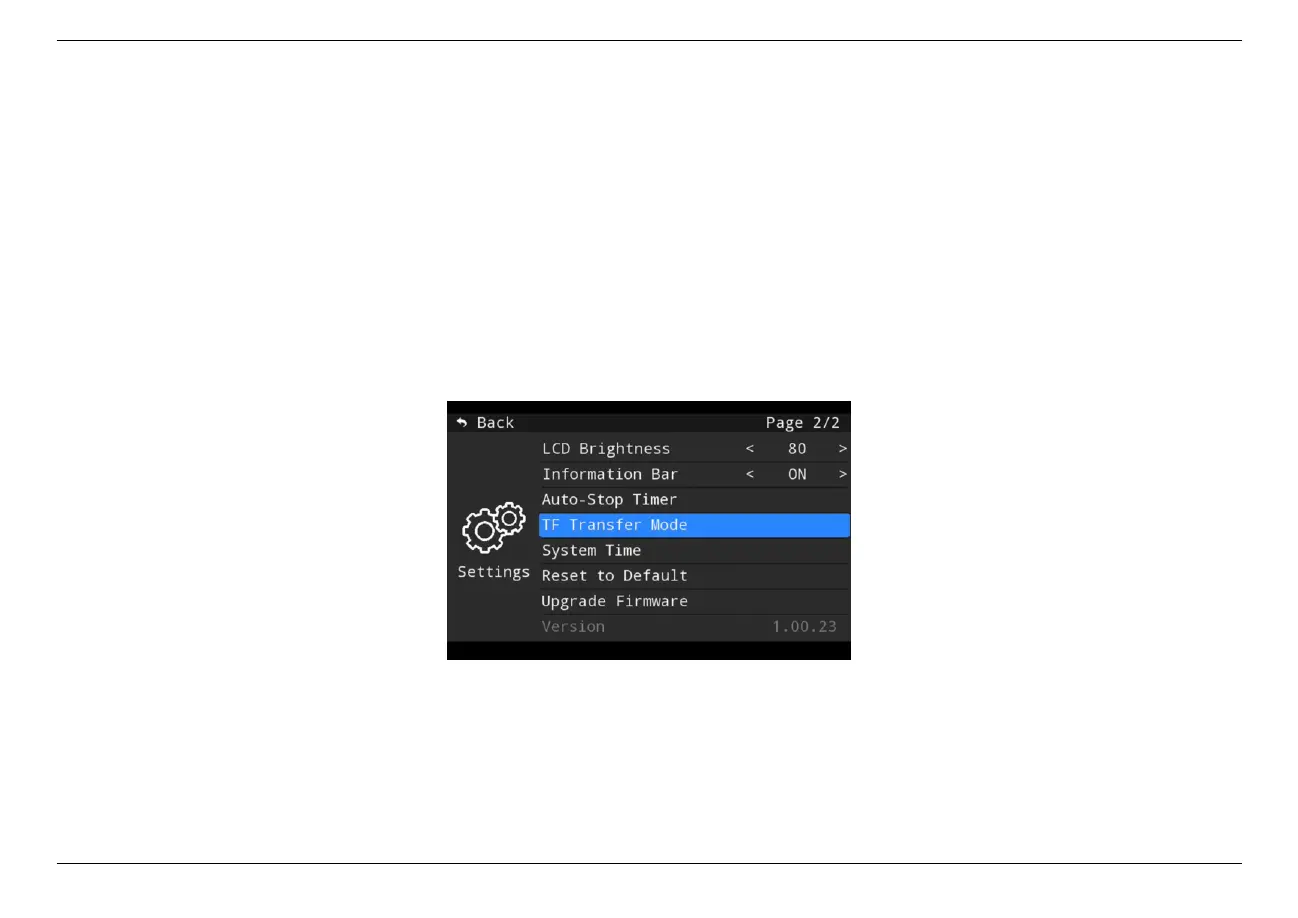
1. Enter the menu settings and set “TF Transfer Mode”as “Enable”.
2. Connect ClonerAlliance ViewLite AV to PC with the USB-C to USB-A cable.
3. Now TF card can be recognized by PC directly.
4.3. Playback the Recorded media files on PC 26



 To Next Page