ClonerAlliance ViewLite AV User Manual
6.4 Setting for preview video in OBS studio
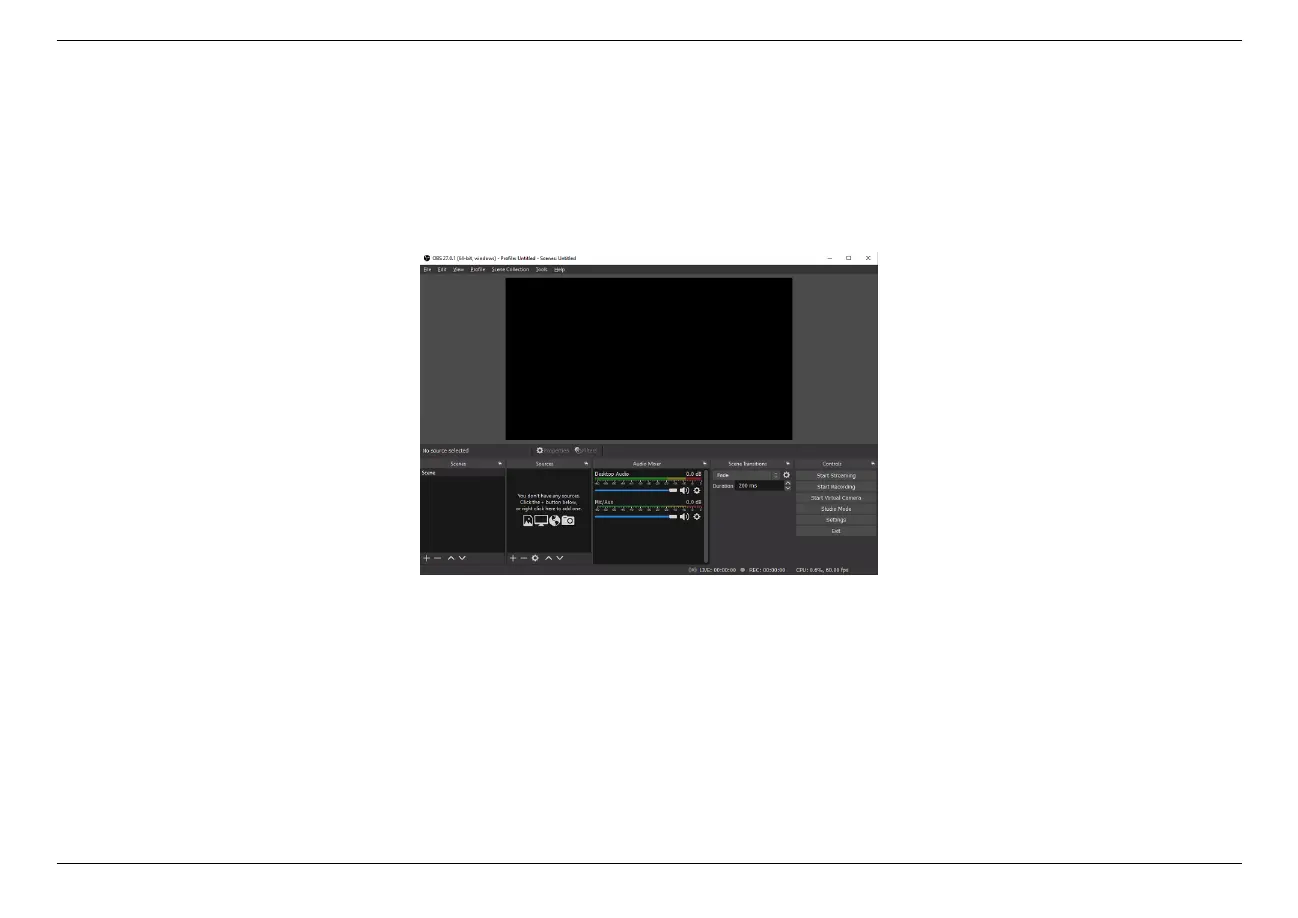
1. Run Open Broadcaster Software (OBS Studio). You may download OBS at: https://obsproject.com/download
2. Please click “+”below “Sources”and select “Video Capture Device”from the pop-up menu, then click “OK”.
6.4. Setting for preview video in OBS studio 43



 To Next Page