AN241
2 Parameter Setting
Based on CMT2310A-EB and CMT2310A-EM, a firmware for testing and evaluation of multiple functions of
CMT2310A chip will be pre-burned at the factory. This firmware will be updated according to functional
changes. You can download it from the official website of Hope Microelectronics Co., LTD., and use the J-link
debugger and use J-Flash software for burn update (Chapter 4 of this article will describe the firmware update
in detail).In the following section, parameter setting menu of the factory firmware will be described in detail.
2.1 Startup Interface
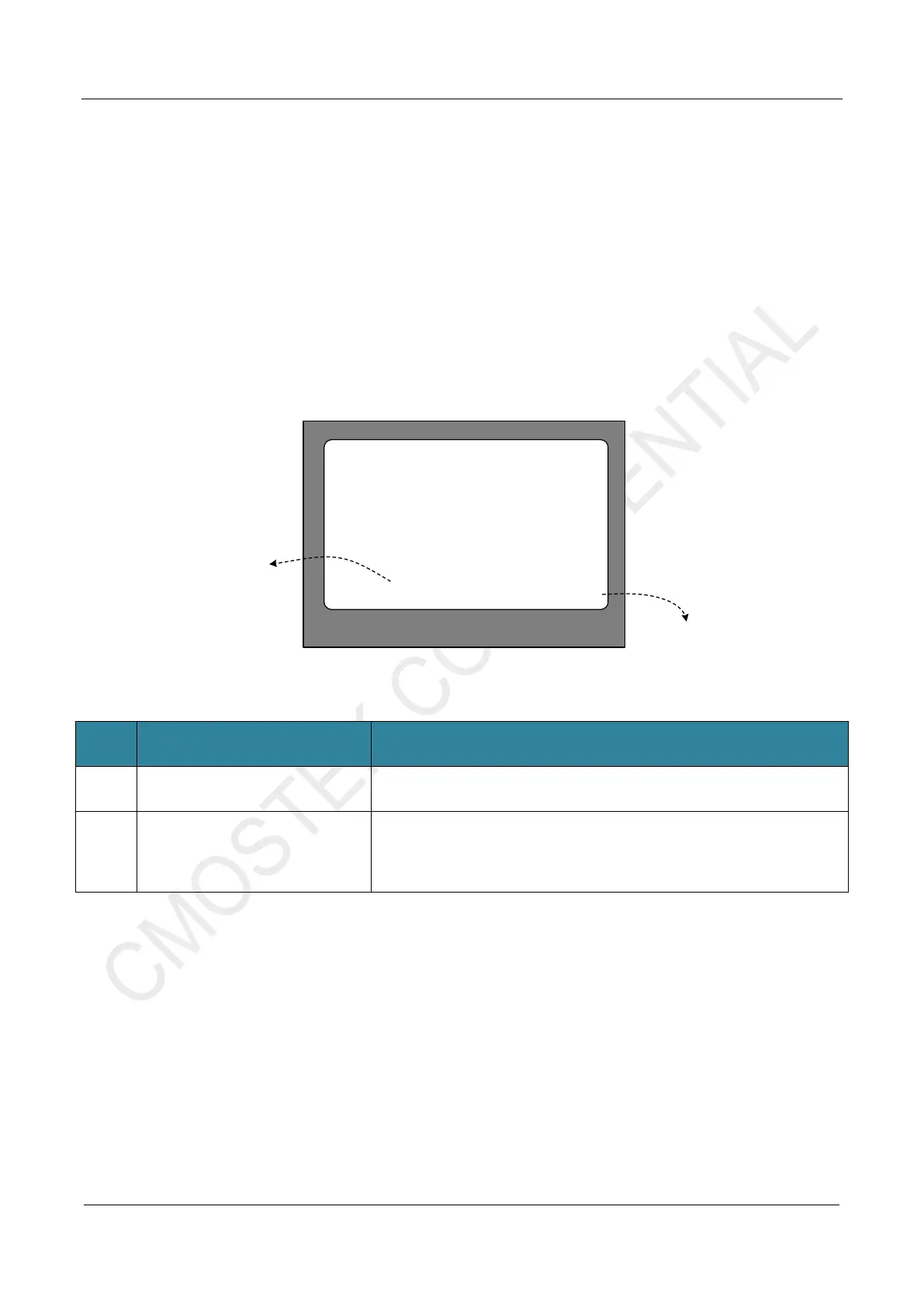
After CMT2310A-EM is inserted into CMT2310A-EB, the startuo interface is shown as followed.
CMOSTEK
SW 20220712 FW C0
1. HC32L136
Software Version
2. CMT2310A
Firmware Version
Figure 2-1. Startup Interface(After inserted CMT2310A-EM)
No. Function Description
1 HC32L136 Software Version
CMT2310A-EB factory firmware (HC32L136 burning software) version
information, as shown in the figure above, is 20220712
2 CMT2310A Firmware Version
CMT2310A firmware version (that is, firmware version of the CMT2310A
chip on the CMT2310A-EM). As shown in the figure above, the current
chip version is C0.
Note: As of this document, there are three versions of firmware: A0, B0,
and C0, and C0 is the latest one.
When the CMT2310A-EM is not inserted into CMT2310A-EB, the startup interface of the CMT2310A-EB
is shown in Figure 2-2.



 To Next Page