SamplingDataLoggerUser’sManual CO2Meter.com
PAGE6 of17
GasLab®SoftwareInstallation
IMPORTANT:M
AKESURETOINSTALLSOFTWAREBEFORECONNECTINGYOURMETERTOYOURCOMPUTER.
MinimumSystemRequirements
Toutilizeourcomplimentarysoftware,thecomputermustmeetthefollowingminimumrequirements:
1GHzprocessorwith1GBRAM,1GBfreediskspace(2GBfreediskspacefor64‐bitsystems).
WindowsXP*/7/8/8.1withMicrosoft.NETFramework4.0**orlater.
OnIntel‐basedMaccomputers,GasLab
®
softwarecanrunusingaWindows7/8virtualmachinesoftware
suchasVMwareFusion®orsimilar.
*Microsoft.NETisnotsupportedonMediaCenterorTableteditions.
**Installerwilloptionallyinstall.NETFramework.
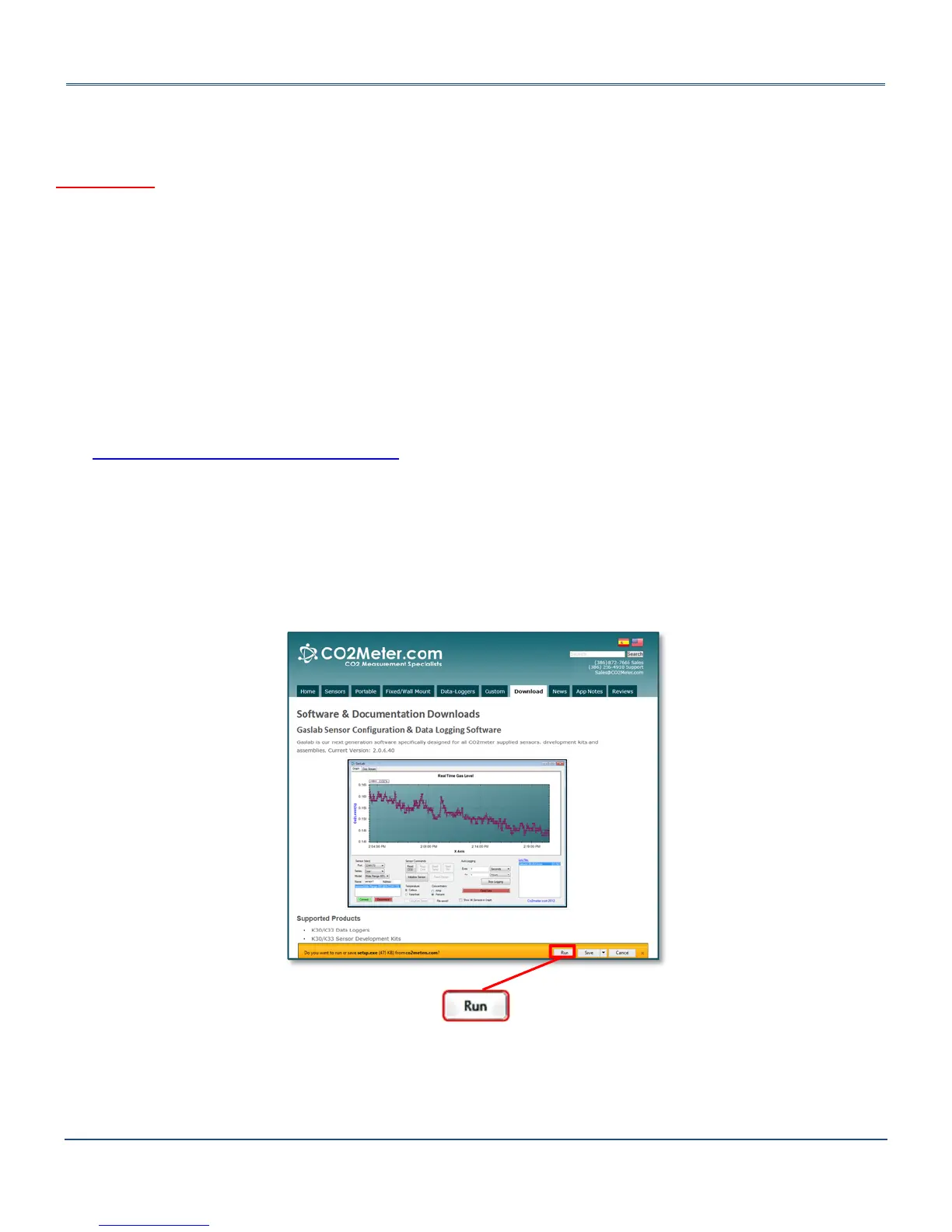
Visitwww.co2meter.com /pages/downloadstodownloadourcomplimentaryGasLab
®
softwaretoyour
computer.YoucanalsodownloadtheGasLab
®
usermanualinPDFfromthispage.
PleasereadtheGasLab
®
usermanualcarefullytobecomemorefamiliarwithhowthesoftwareworkssothatyou
cangetthemaximumbenefitfromthisusefultool.
InstalltheGasLab
®
softwarefirsttoensurethattheproperdriver,necessaryforthemeter,isinstalledonyour
computerbeforeconnectingthemeter.
Figure2:GasLab
®
downloadpage(InternetExplorer11shown)
Followthestepsandinstructionspromptedbyyourcomputer’soperatingsystem.Makesureyouhave
administratorprivilegesinordertoinstallthisprogram.


 To Next Page