Chapter 2: Operation
24 Settings
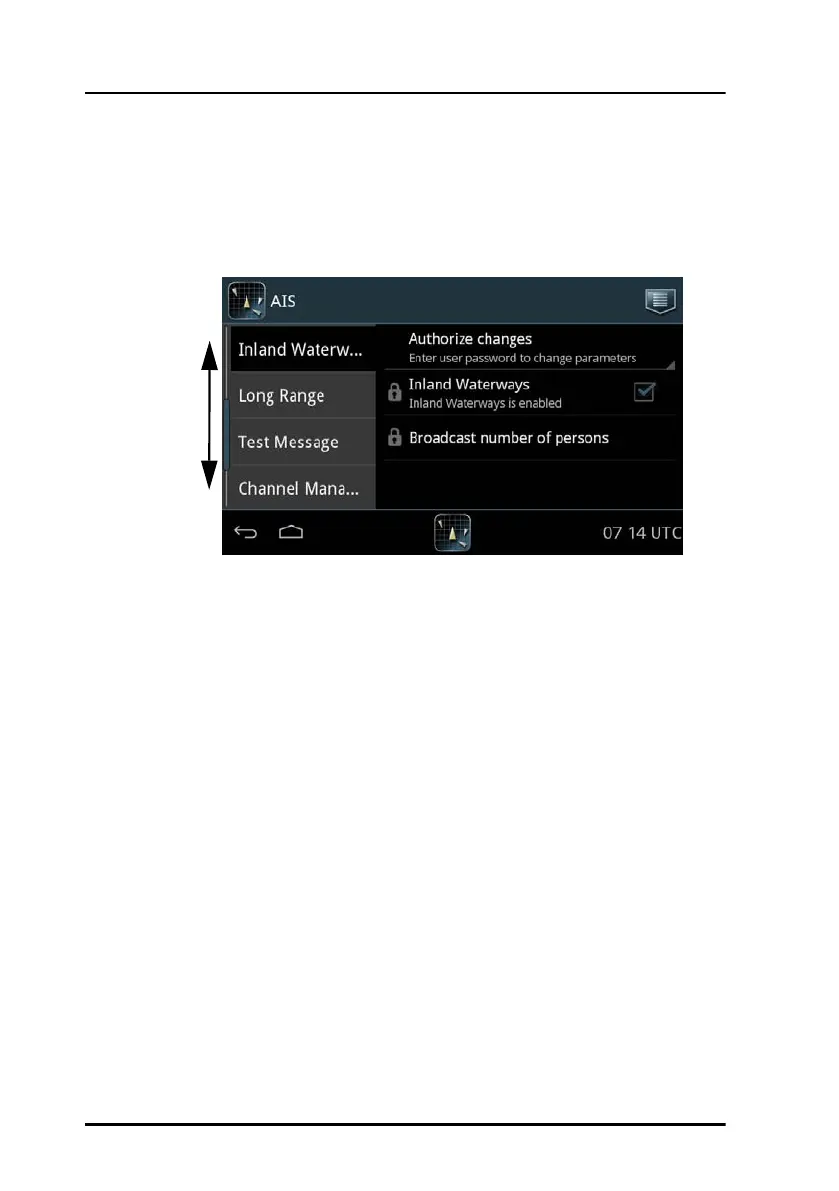
Inland Waterways
On this page you enable the settings for Inland Waterways shown in
Voyage and Static Data, and you can broadcast the number of persons
on board, if requested to do so.
To enable Inland Waterways do as follows:
1. Unlock the page by entering the password.
2. Tap Inland Waterways to enable it.
When enabled, further fields will be available in Voyage and Static
Data.
To broadcast the number of persons on board (this is the total number of
persons: crew members, shipboard personnel and passengers) do as follows:
1. Unlock the page by entering the password ‘user’.
2. Tap Broadcast number of persons.
3. At Broadcast persons onboard tap Send.
Figure 19: Settings – Inland Waterways
Swipe
up or
down



 To Next Page