Chapter 2: Operation
32 To work with messages
To work with messages
Overview
You can send, broadcast and receive text messages and safety-related
messages (SRM) to and from all ships within VHF range. An unread message
is shown as a closed envelope in the bottom bar of the screen. White
envelopes mean that new messages have arrived since you last tapped the
area for messages in the lower right corner. Gray envelopes mean that no
new messages have arrived since you last tapped the area for messages.
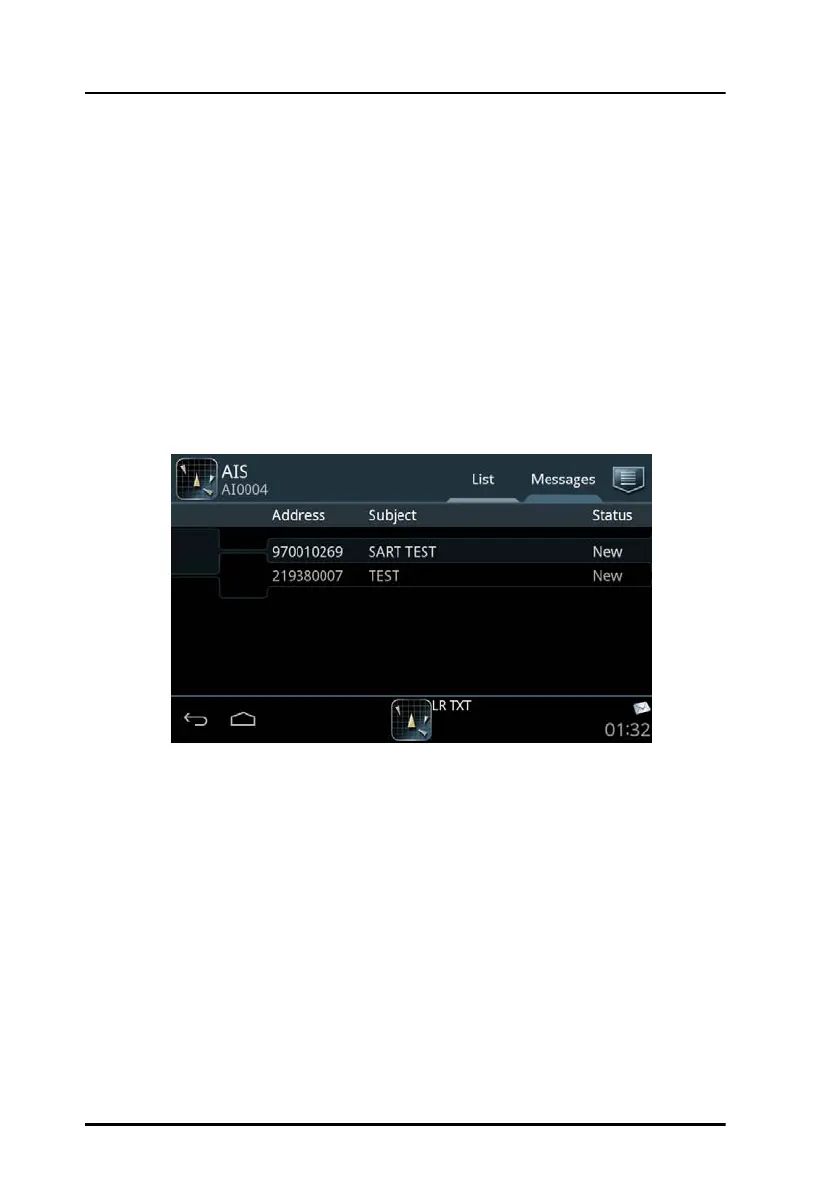
To view all messages tap the tab Messages in the idle screen.
The latest 20 addressed safety-related messages are stored (minimum).
Broadcast safety-related messages (e.g. SART) are updated continuously,
the newest one is stored and can be displayed. The oldest messages are
overwritten.
There are two ways of sending a message:
• Sending a message to a dedicated address (MMSI number)
• Broadcasting a message to all listeners.
Figure 25: The tab Messages



 To Next Page