Chapter 2: Operation
Settings 31
22222
Operation
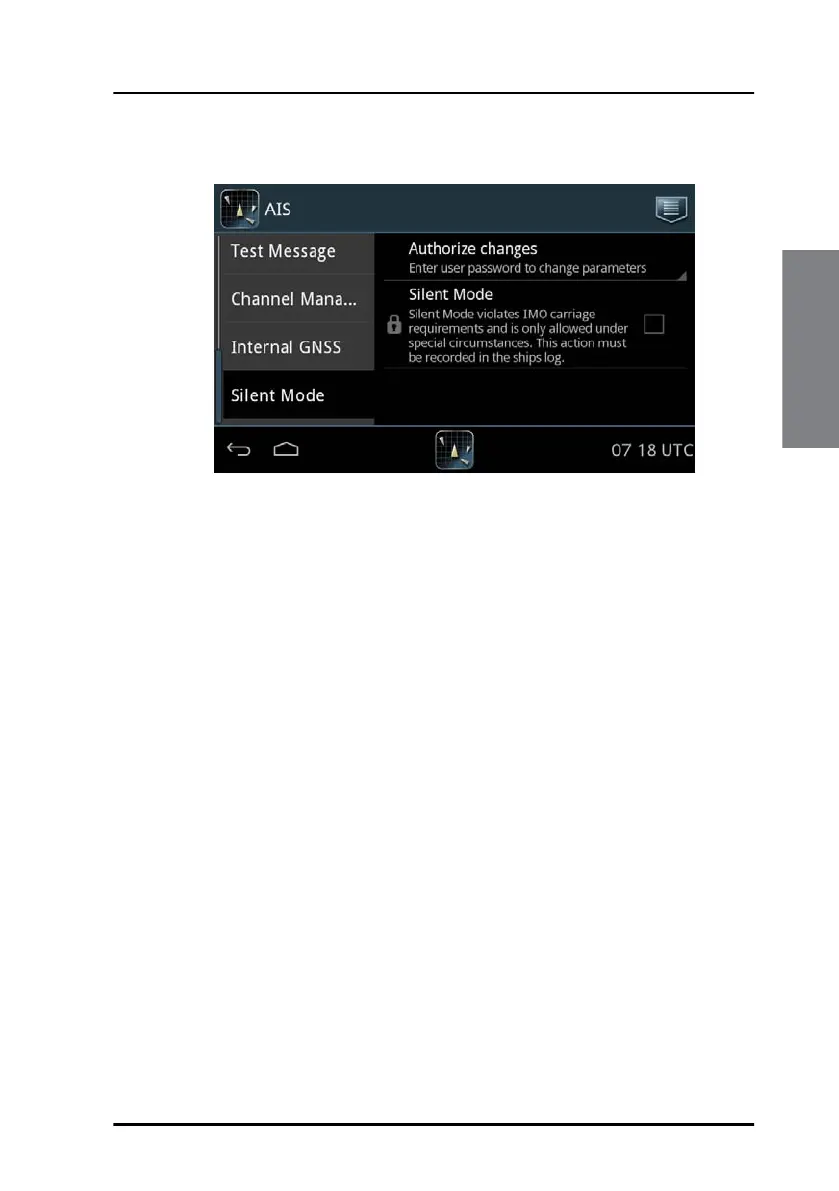
To enable Silent Mode do as follows:
1. Unlock the page by entering the password.
2. Tap the selection field to enable Silent Mode.
3. Tap the popup window Safety alarm to acknowledge Silent Mode.
4. Tap the arrow in the bottom left corner to return to the ship list.
To disable Silent Mode do as follows:
1. Unlock the page by entering the password.
2. Tap the selection field to disable Silent Mode.
3. Tap the arrow in the bottom left corner to return to the ship list.
Figure 24: Settings – Silent Mode



 To Next Page