Chapter 2: Operation
26 Settings
To clear the list of received Long Range messages (Long Range Message
Log) Tap Show Message Log and then Clear.
Manual Long
Range Mode
Tap Manual Long Range Mode to enable or disable
long range manual mode. If enabled, tap the items to
include in the long range message:
• Name, callsign and IMO (A)
• Date and time of message (B)
• Position (C)
• Course over ground (E)
• Speed over ground (F)
• ETA and Destination (I)
• Draught (O)
• Ship/Cargo (P)
• Length, breadth and type (U)
• Persons on board (W)
The letter in parentheses is displayed in the LR message
log.
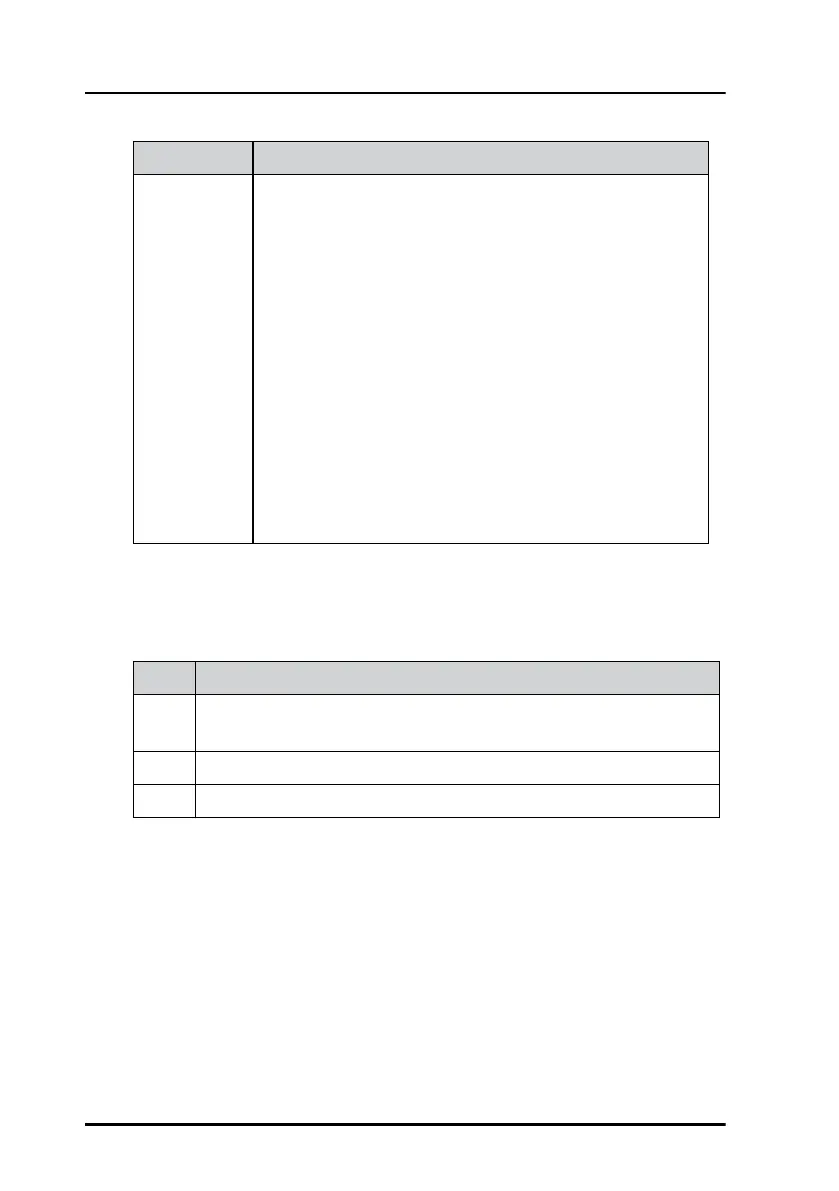
Item Description
From MMSI number of the ship that has broadcasted the long range
message.
Req. Items requested by the AIS base station.
Sent Items sent.
Table 7: Items in Long Range Message Log
Item Description
Table 6: Items in Long Range (Continued)



 To Next Page