Chapter 2: Operation
28 Settings
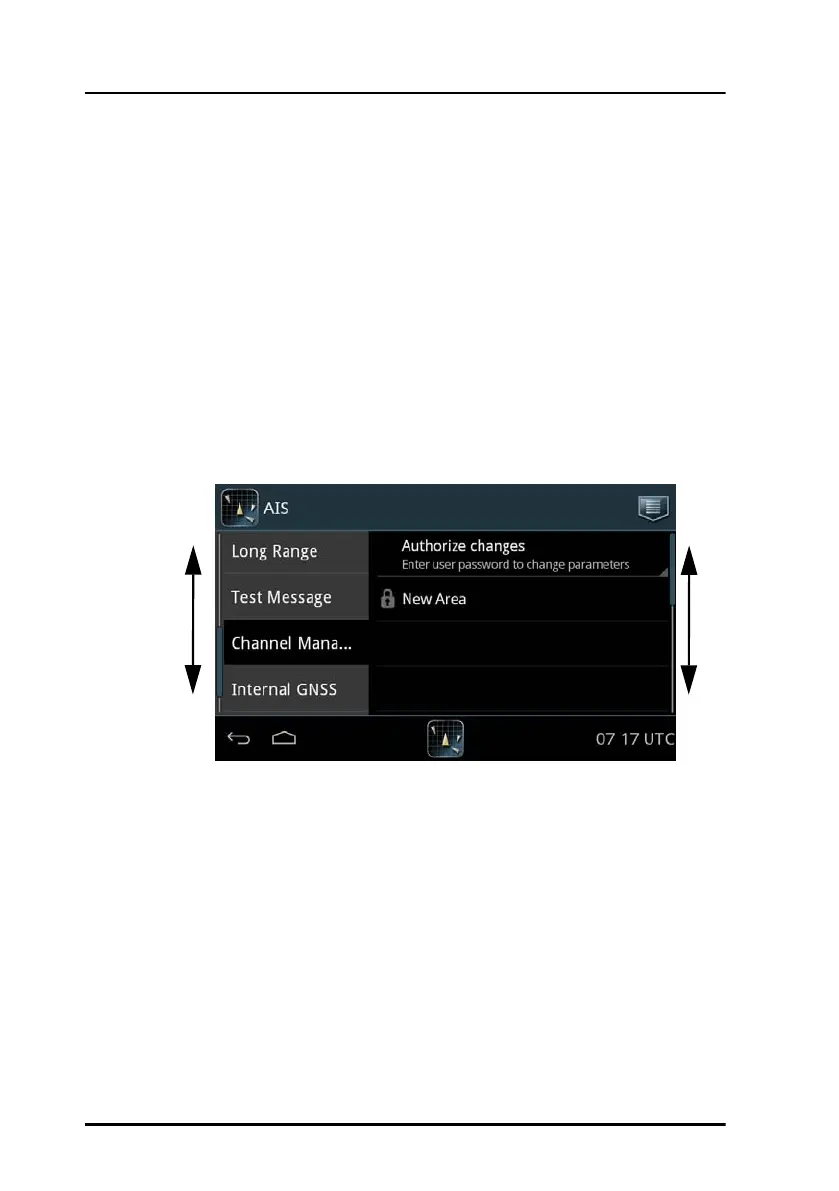
Channel Management
The AIS channel is preset. If required, the AIS parameters (up to 8 sets) can
be changed. The AIS parameters can be changed as follows:
• AIS message 22 with new parameters (set automatically in the SAILOR
6282 AIS Transponder).
• Through a received DSC message with new parameters (set
automatically in the SAILOR 6282 AIS Transponder).
• Manual input of new parameters, e.g. you have received the new
parameters in a text message or via VHF radio.
The SAILOR 6282 AIS Transponder decides which of the frequencies to
use.
Entering new AIS parameter set manually
To enter a new area do as follows:
1. Unlock the page by entering the password.
2. Tap New Area and fill in the following parameters:
• Set Area
• NE Latitude
• NE Longitude
Figure 22: Settings – Channel Management
Swipe
up or
down



 To Next Page