Chapter 2: Operation
34 To work with messages
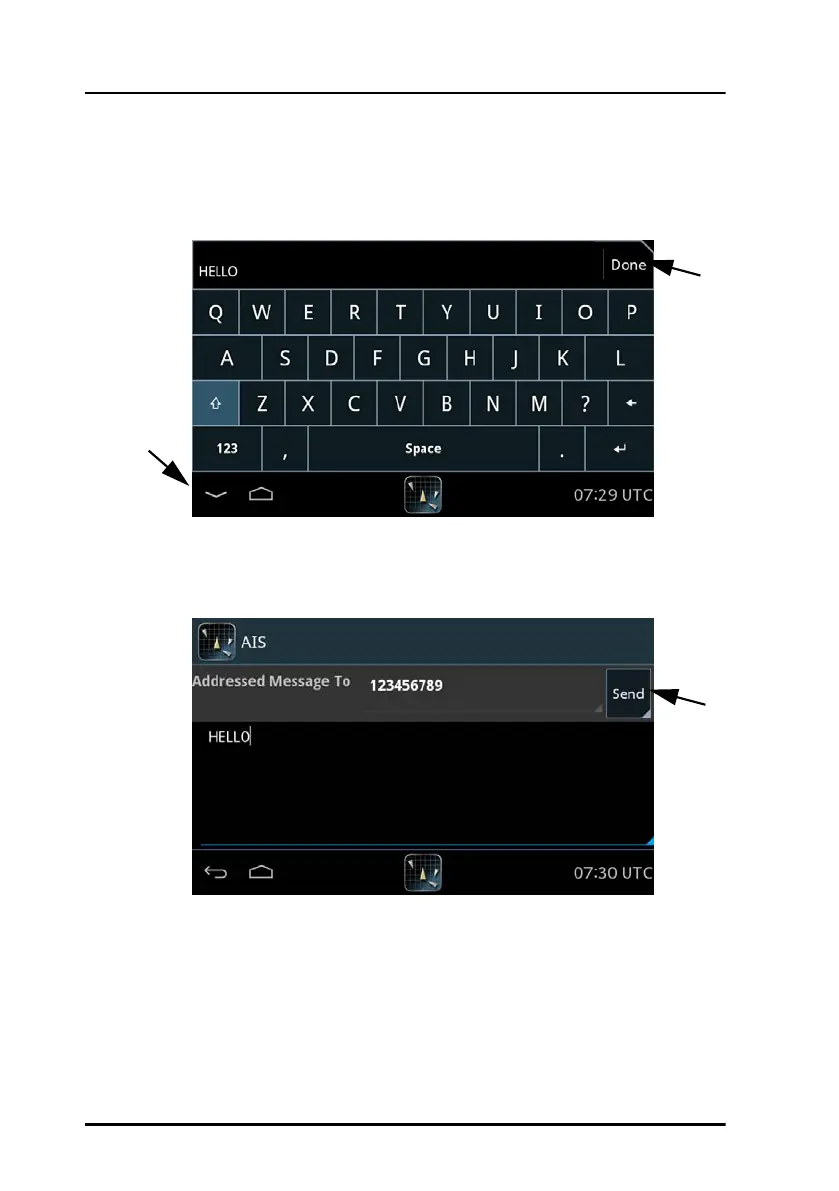
4. Tap Next and enter the message text using the on-screen keyboard.
5. Tap Done or the symbol in the lower left corner to collapse the
keyboard.
6. Tap Send to send the message. The message will be shown in the list of
messages sent and received.
Figure 28: Writing a message
Figure 29: Sending a message
5
5
6



 To Next Page