Chapter 2: Operation
36 To work with messages
• Envelope without exclamation mark: Unread messages
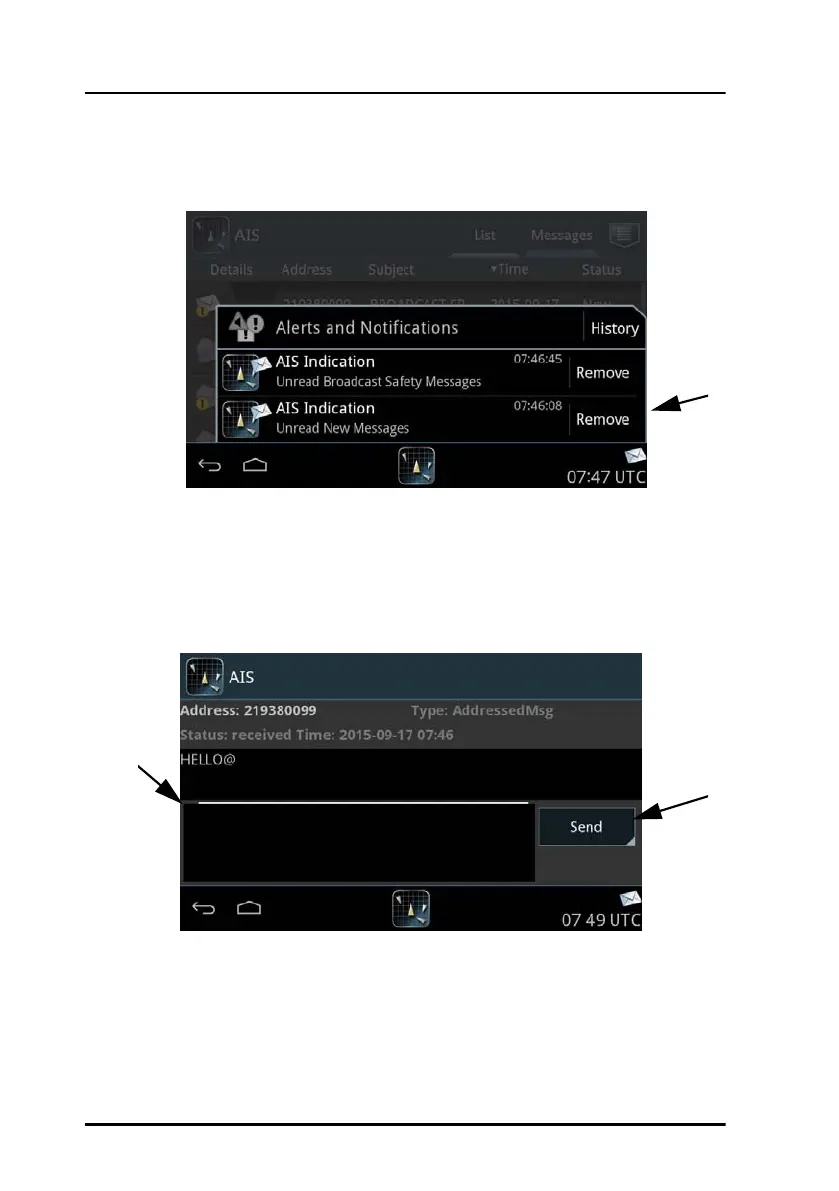
1. Tap the icon for unread messages to display the list of unread messages.
If the received message is longer than one line in the display, the
message is automatically split up into several lines.
2. Tap the message you want to read. The message opens and you can
directly enter text and send a reply.
When all messages are read, there is no envelope icon in the bottom
bar.
Figure 31: Viewing messages
Figure 32: Replying to a message



 To Next Page