Chapter 2: Operation
40 Alerts and notifications
Active -
unacknowledged
warning
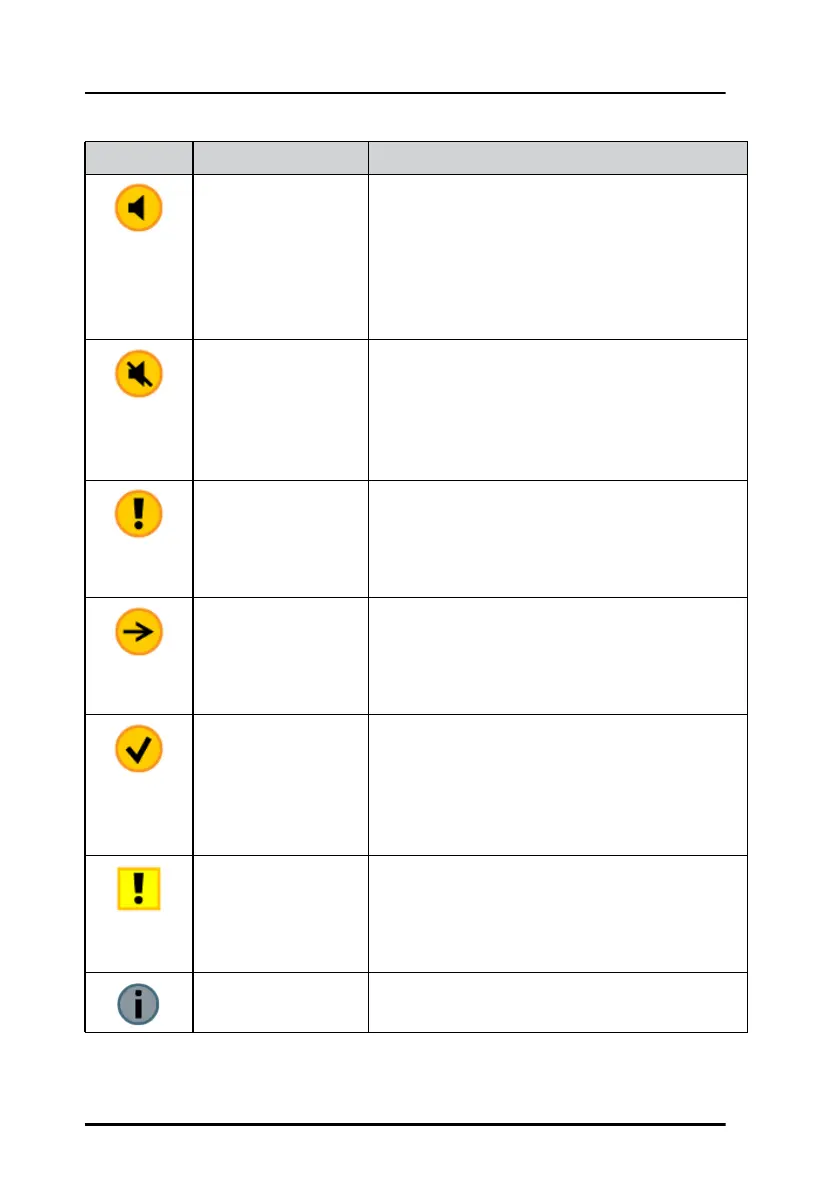
A flashing yellow circle with a symbol of a
loudspeaker in the middle of the circle. This
alert is accompanied by an audible warning
signal (2 beeps).
This icon is displayed when there is an active
unacknowledged warning.
Active – silenced
warning
A flashing yellow circle. A symbol of a
loudspeaker with a prominent diagonal line
through it.
This icon is displayed when there is an active
silenced warning.
Active –
acknowledged
warning
A yellow circle with an exclamation mark in the
middle of the circle.
This icon is displayed as long at the warning
condition is present.
Active - responsibility
transferred warning
A yellow circle. An arrow pointing towards the
right in the middle of the circle.
This icon is displayed as long at the warning
condition is present.
Rectified –
unacknowledged
warning
A flashing yellow circle with a tick mark in the
middle of the circle.
This icon is displayed when the warning
condition has been rectified but not yet
acknowledged.
Caution A yellow square with an exclamation mark in
the middle of the square.
A caution alert disappears automatically when
the caution situation is cleared.
Notification A notification can be that a new software
version is available.
Icon Name Icon description
Table 8: Icons for alerts and notification (Continued)



 To Next Page