Maverick Boat Company, Inc. • 3207 Industrial 29th St. • Fort Pierce,
Florida 34946 • (772)-465-0631 or (888)-shallow • Fax: (772) 489-2168
Switch Panel & Helm
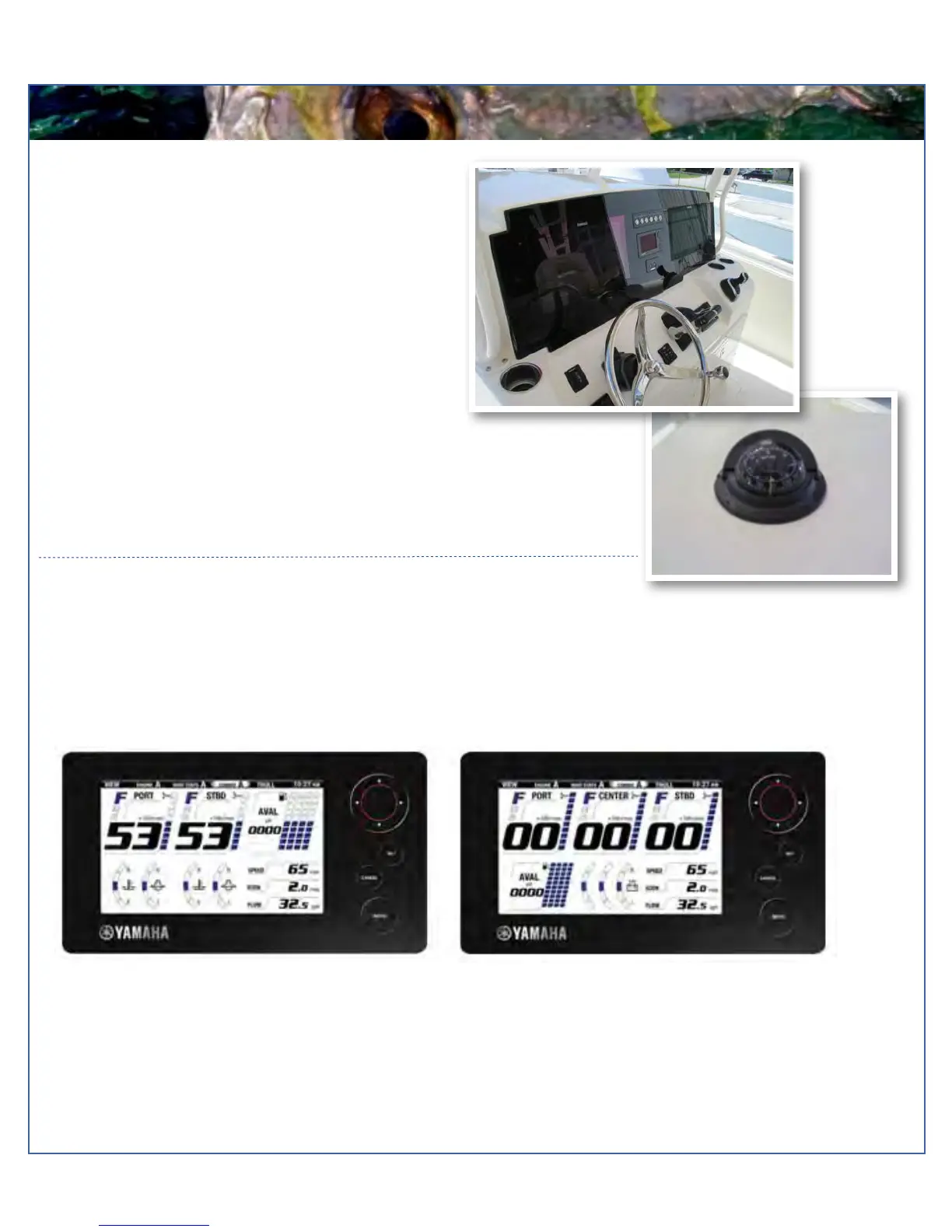
At the helm of your Cobia, you have a main switch
panel, which is located above the engine starter
buttons. This panel controls your lights, horn,
accessories, livewell, and your bilge. When a button is
in the “on” position, it is illuminated. This alerts you that
the associated accessory should be functioning and
also reminds you to turn it off during boat shutdown.
When the “NAV” light switch is in the “on” position, the
labels for the switches will be illuminated. To the left of
the throttle you have your two trim tab switches. (Refer
to page 22 for trim tab for operation.)
Command Link Plus Display
Command Link Plus Display come standard on your new Cobia is are an upgrade from the Command Link gauges. The
Command Link Plus Display allows access to more information on a single display. Displays are user-selectable so you can
choose the functions displayed and in what order. Refer to your yamaha owners manual for operation and available features.



 To Next Page