EasyManua.ls Logo

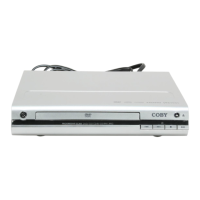
Coby DVD-283 - DVD-283 Overview; Front Panel Controls; Rear Panel Connections

Coby DVD-283
36 pages
Print Icon
To Next Page IconTo Next Page
To Previous Page IconTo Previous Page
Loading...
Page 10 Coby Electronics Corporation www.cobyusa.com Page 11
GETTING STARTED
2 3 6 7 8 9
4
5
1
11 12 13
15
16
14
10
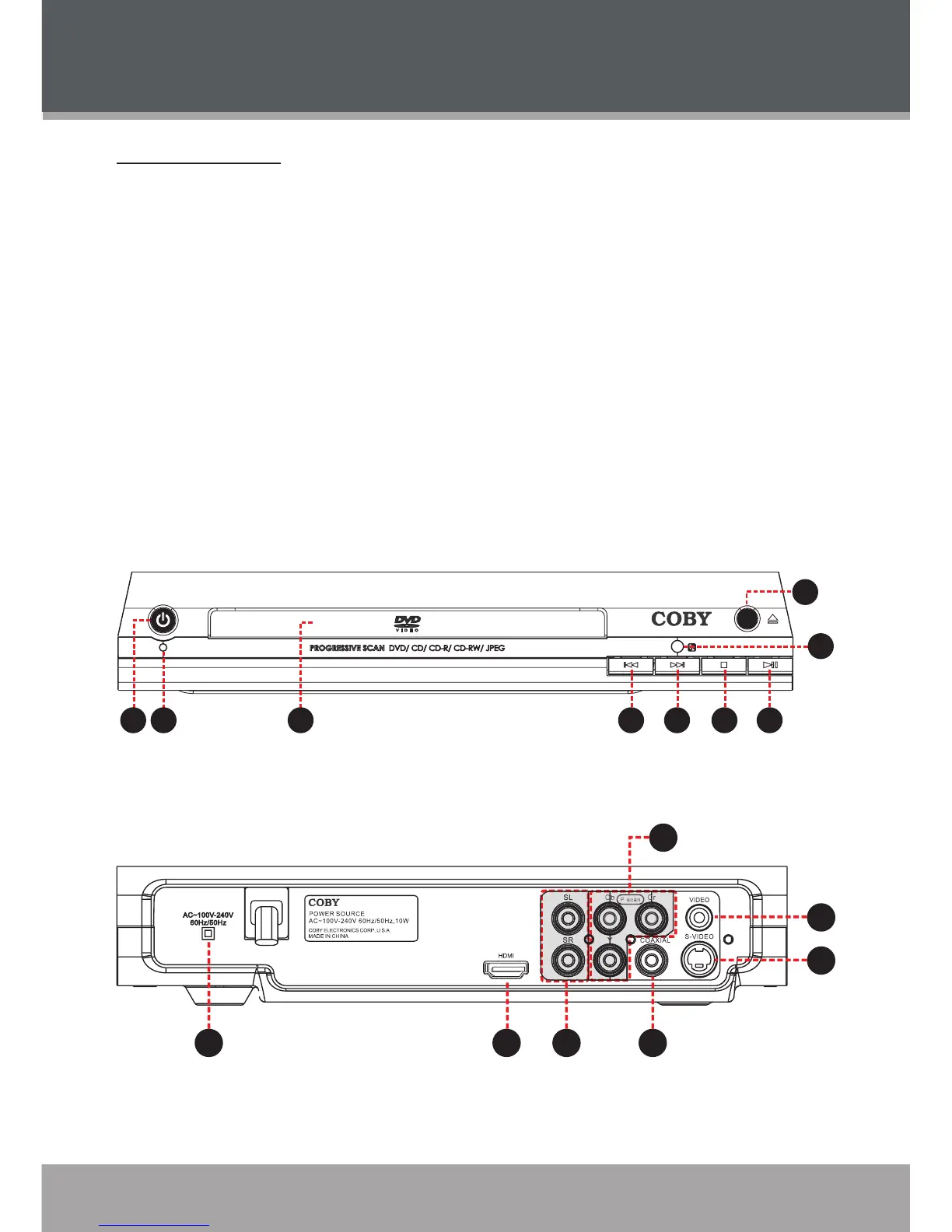
DVD-283 at a Glance
Front Panel
Power Button
Power Indicator
Disc Tray
Open/Close Button
Remote Sensor Button
Previous/Reverse Button
Next/Forward Button
Stop Button
Play/Pause Button
1.
2.
3.
4.
5.
6.
7.
8.
9.
Rear Panel
AC Power Cord
HDMI Out
2-Channel Audio Out:
L (Left Channel)
R (Right Channel)
Coaxial Digital Audio Out
Component Video Out
(Progressive Scan - 480p)
Composite Video Out
(Interlaced - 480i)
S-Video Out
(Interlaced - 480i)
10.
11.
12.
13.
14.
15.
16.

Related product manuals