Page 24 Coby Electronics Corporation www.cobyusa.com Page 25
PLAYER FUNCTIONS
Repeat A-B Mode
To repeat a specic section of a disc (play on a loop):
Press A-B to set the desired start point (“A”) of the section to be repeated.
Press A-B again to set the desired end point (“B”) of the section to be repeated.
The section “A-B” will now play repeatedly as a loop. Press A-B again to resume normal
playback.
Multi-Angle/Subtitle/Audio
During playback of a DVD that has been mastered with multiple angles, press ANGLE to view
the available alternate camera angles. (A DVD may have up to 9 selectable angles.)
During playback of a DVD that has been mastered with subtitles, press SUBTITLE to view the
available subtitle tracks. (A DVD may have up to 32 selectable subtitles.)
During playback of a DVD that has been mastered with alternate language/audio tracks, press
AUDIO to hear the alternate tracks. (A DVD may have up to 8 selectable audio tracks.)
Zoom
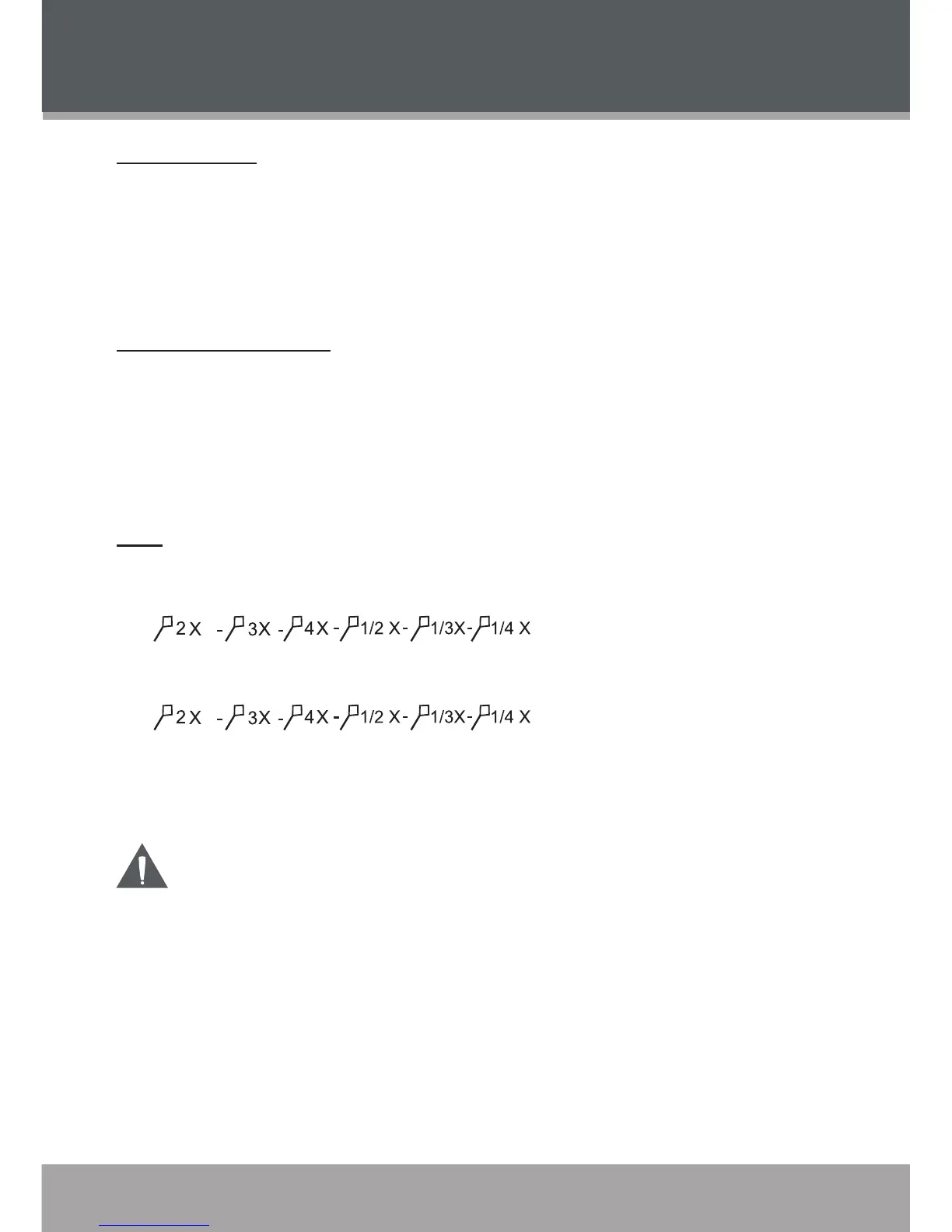
Press ZOOM to change the magnication level of the picture.
During DVD playback, each successive press of ZOOM will change the level of magnication.
During JPEG CD playback, each successive press of ZOOM will change the level of
magnication.
When the magnication level is greater than Normal/100%, use the Navigation Keypad to pan
around the magnied picture.
When the magnication level is equal to 100%, use the Navigation Keypad to rotate the picture.
Thepicturequalitywilldecreaseasthezoomlevel(magnication)increases.
1.
2.
3.
•
•
•
•
•


 To Next Page