DVD FUNCTIONS
Program
Enter Program mode to create a custom sequence of tracks to be played.
Note: You can also use the numeric keypad to enter numbers directly in the elds. Use the Navi-
gation buttons to move between entry elds.
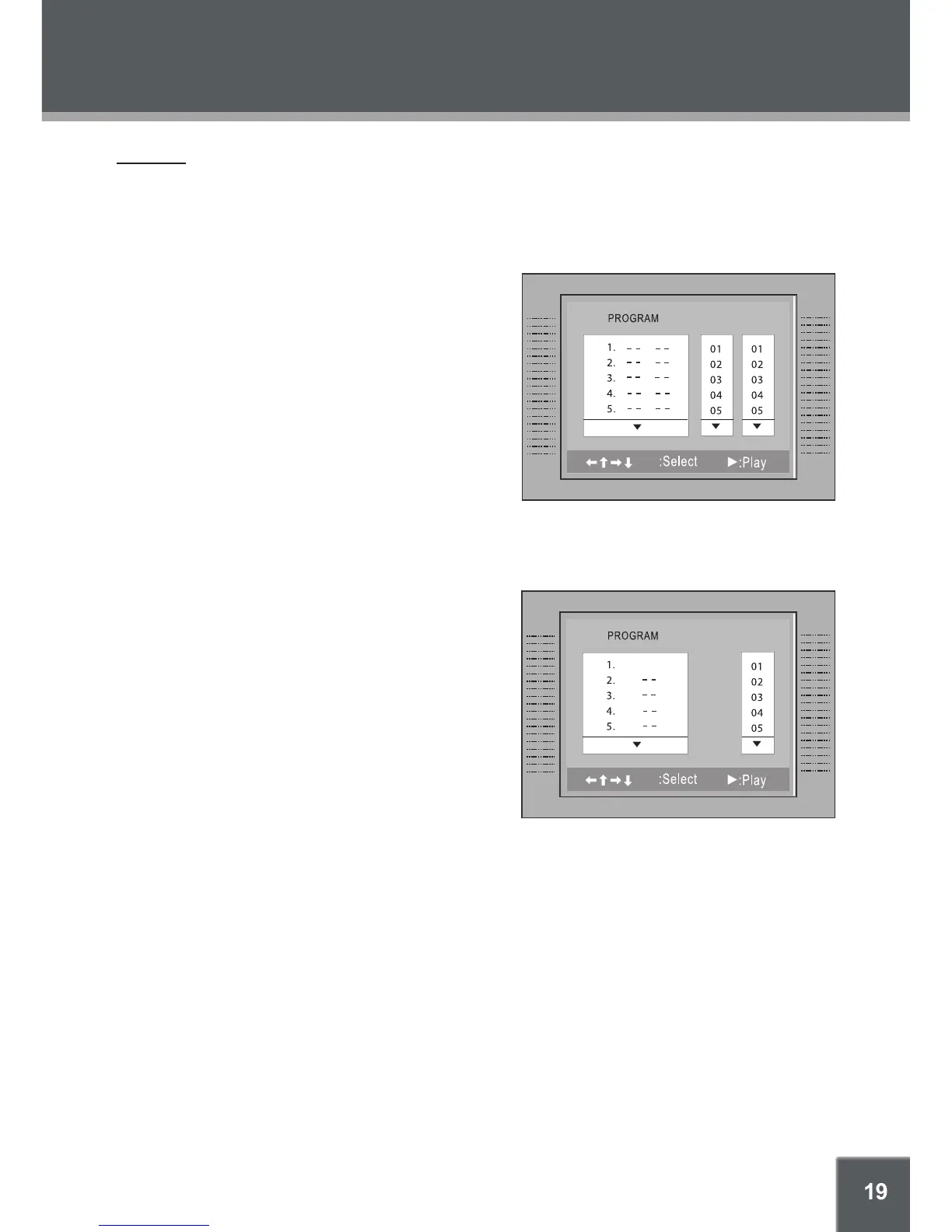
DVD Program Mode
Load a DVD and press PROGRAM.
Press the right NAVIGATION button to select
the “Title” column; press the up/down NAVIGA-
TION buttons to select a title.
Press the right NAVIGATION button to select
the “Chapter” column; press the up/down NAVI-
GATION buttons to select a chapter.
Press PLAY (or ENTER) to conrm the selec-
tion.
Repeat steps 2-4 until you have nished programming your selections or when you have
programmed the maximum 20 tracks.
Press PLAY to start playback. Press PROGRAM to cancel.
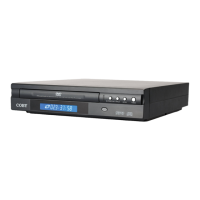
CD Program Mode
Load a CD and press PROGRAM.
Press the right NAVIGATION button to select
the “Track” column; press the up/down NAVI-
GATION buttons to select a track.
Press PLAY (or ENTER) to conrm the selec-
tion.
Repeat steps 2-3 until you have nished pro-
gramming your selections or when you have
programmed the maximum 20 tracks.
Press PLAY to start playback. Press PRO-
GRAM to cancel.
1.
2.
3.
4.
5.
6.
1.
2.
3.
4.
5.
Title Chapter


 To Next Page