Getting Started Page 15
English
If a password has been set, enter the password to nish
unlocking the screen. The Screen Unlock password can
be set in the Security settings menu.
WARNING: Please write down your password
lock pattern/PIN/Password. Misplacing or for-
getting this method will lock the user out. Re-
covering the unit will reset the device back to
factory defaults. ALL YOUR DATA & PRO-
GRAMS WILL BE LOST.
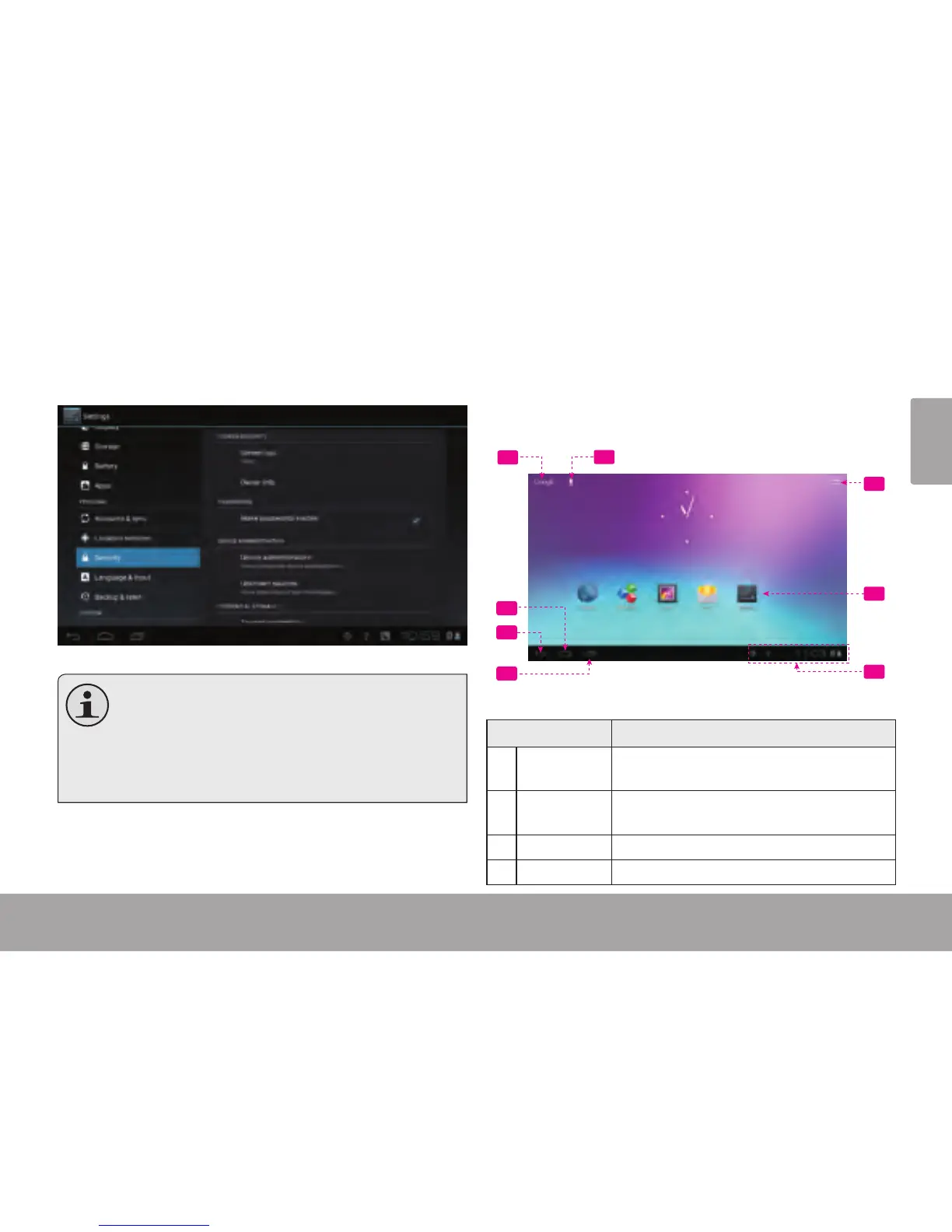
Home Screen at a Glance
The home screen is the starting point for all of the
features of your tablet.
Name Description
1 Google
Search
Touch to search with Google browser.
2 VOICE
Search
Search by voice.
3 Home icon Touch to back to the central Home Screen.
4 Back icon Touch to back to the previous screen.
5
6
1
2
3
4
7
8














 To Next Page