Page 28 Managing Applications
English
 Managing Applications
Downloading and installing new applications to your tablet can extend its functionality in many ways.
You can download and install applications from the
included Applications store. To open the Applications
store:
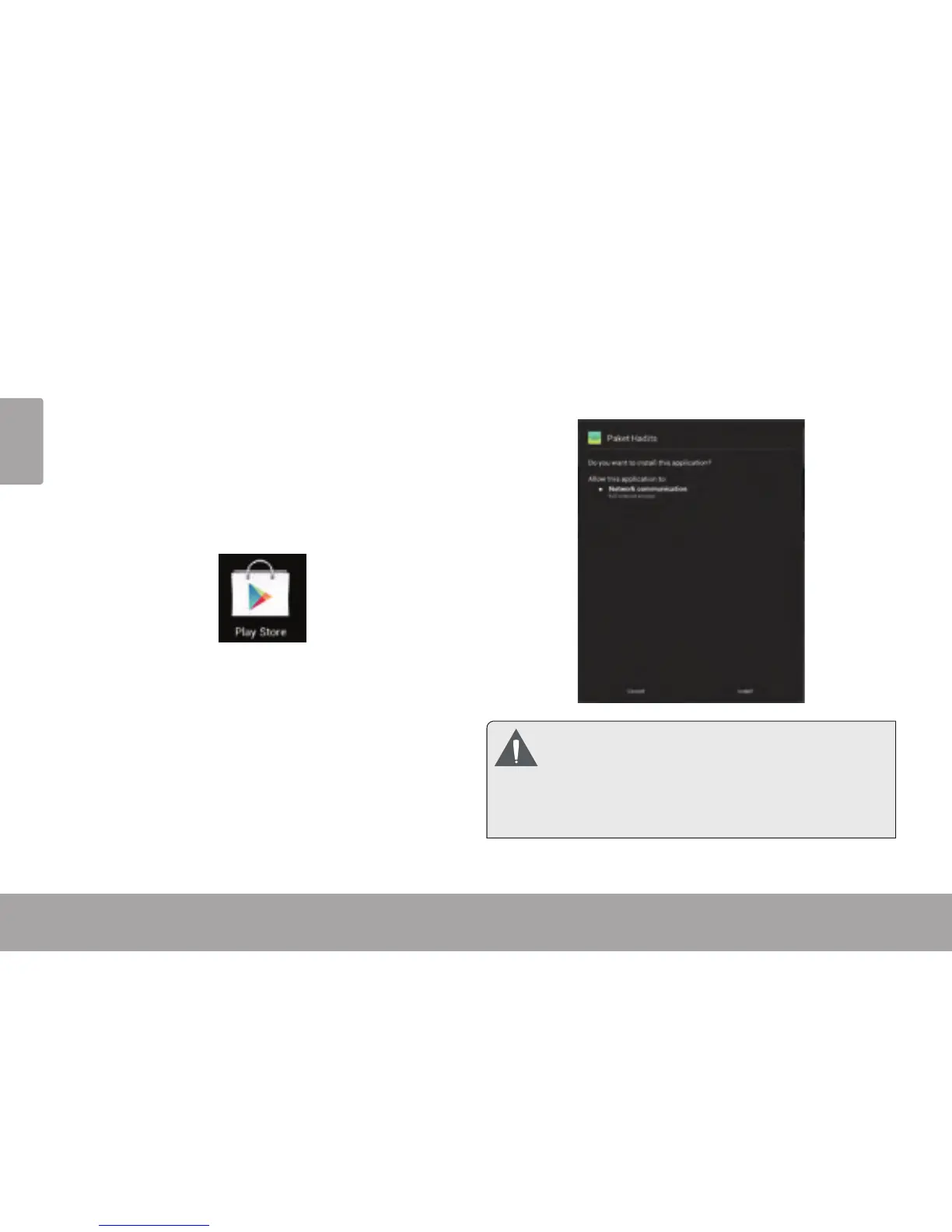
1. Touch the Launcher icon.
2. Touch the Apps Marketplace icon.
When installing an application, it will tell you what func-
tions it needs to control and if it needs access to your
data. Make sure you review these access requirements
carefully before completing the installation.
Be especially cautious with applications that
request access to many functions or to a
signicant amount of your data. You are
responsible for the results of applications
installed on your tablet.














 To Next Page