Page 26 Browsing The Web
English
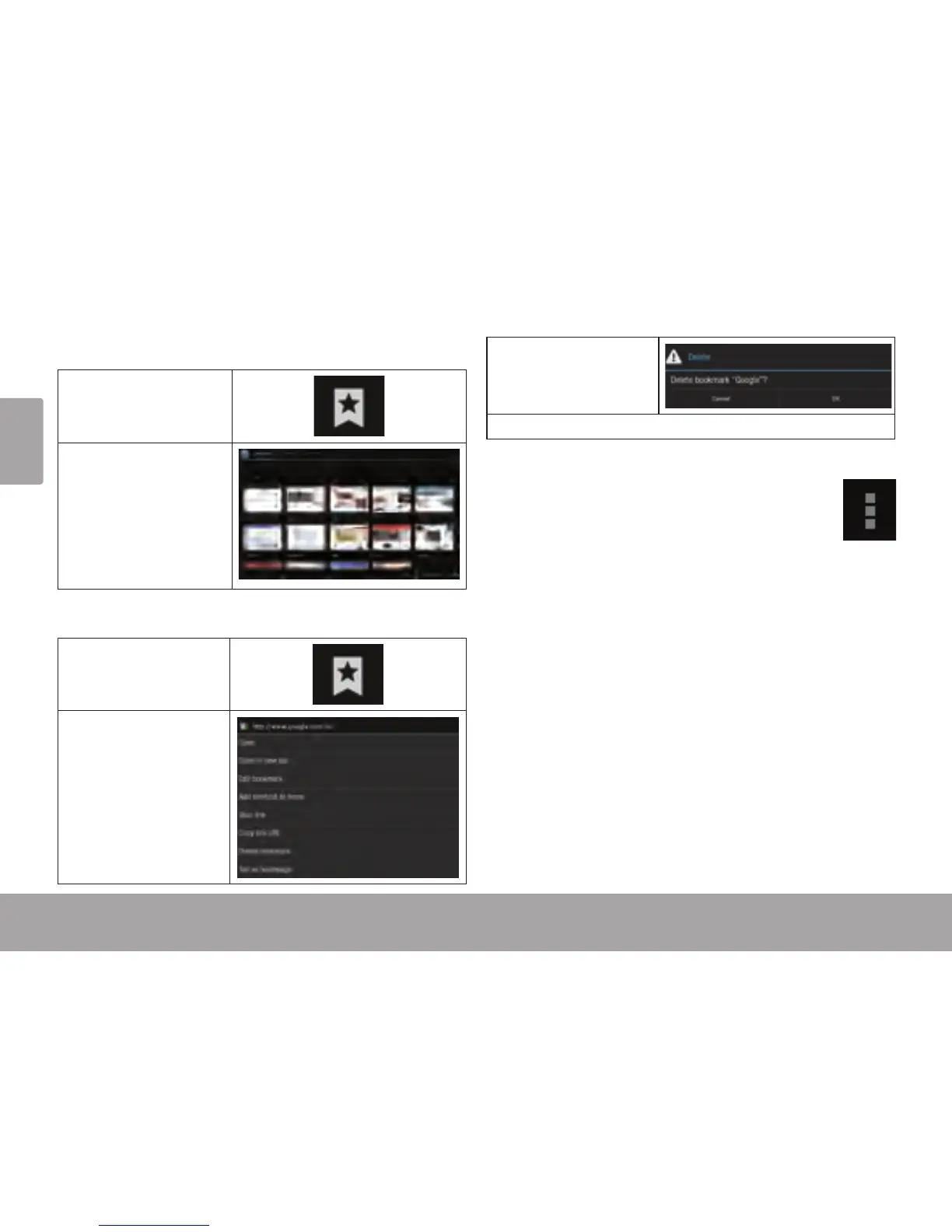
To go to a bookmarked webpage.
1. Touch the Goto
Bookmark icon.
2. Touch a bookmark
tile to open it.
To delete a bookmarked webpage.
1. Touch the Goto
Bookmark icon.
2. Touch and hold a
bookmark tile to
open the option
menu.
3. Touch “Delete
bookmark“.
4. Touch “OK” to conrm.
Browser menu
While viewing a webpage, touch the icon show
as right to open the Browser Menu, the icon is
locate on the top right corner of the screen, the
options are:
Refresh: Refresh the current webpage.
Forward: Go to the next webpage.
New tab: Open the webpage in a new window, under
a new tab.
New incognito tab: Open the webpage in a new win-
dow, under a new tab, and the pages you view in the
new window will not appear in your browser history
or search history. See the on-screen explanation of
going incognito.
Share page: Use Email to send the webpage URL.
Find on page: Search for content on the current
page.














 To Next Page