Page 16 Getting Started
English
Name Description
5 Recent Apps Touch to display the list of thumbnail im-
ages of apps you have worked recently.
Touch an App to open it.
6 Launcher
Tab
Open the Launcher to view the list of all
Applications and Widgets installed on the
tablet. Touch the Launcher tab to open
the Launcher.
7 Icons Touch an icon to open an application or
folder.
8 Notication
bar
Shows notication icons such as time, bat-
tery level, and the network signal strength;
touch the bar to open the full Notications
panel. Touch a Notication icon to display
more detail.
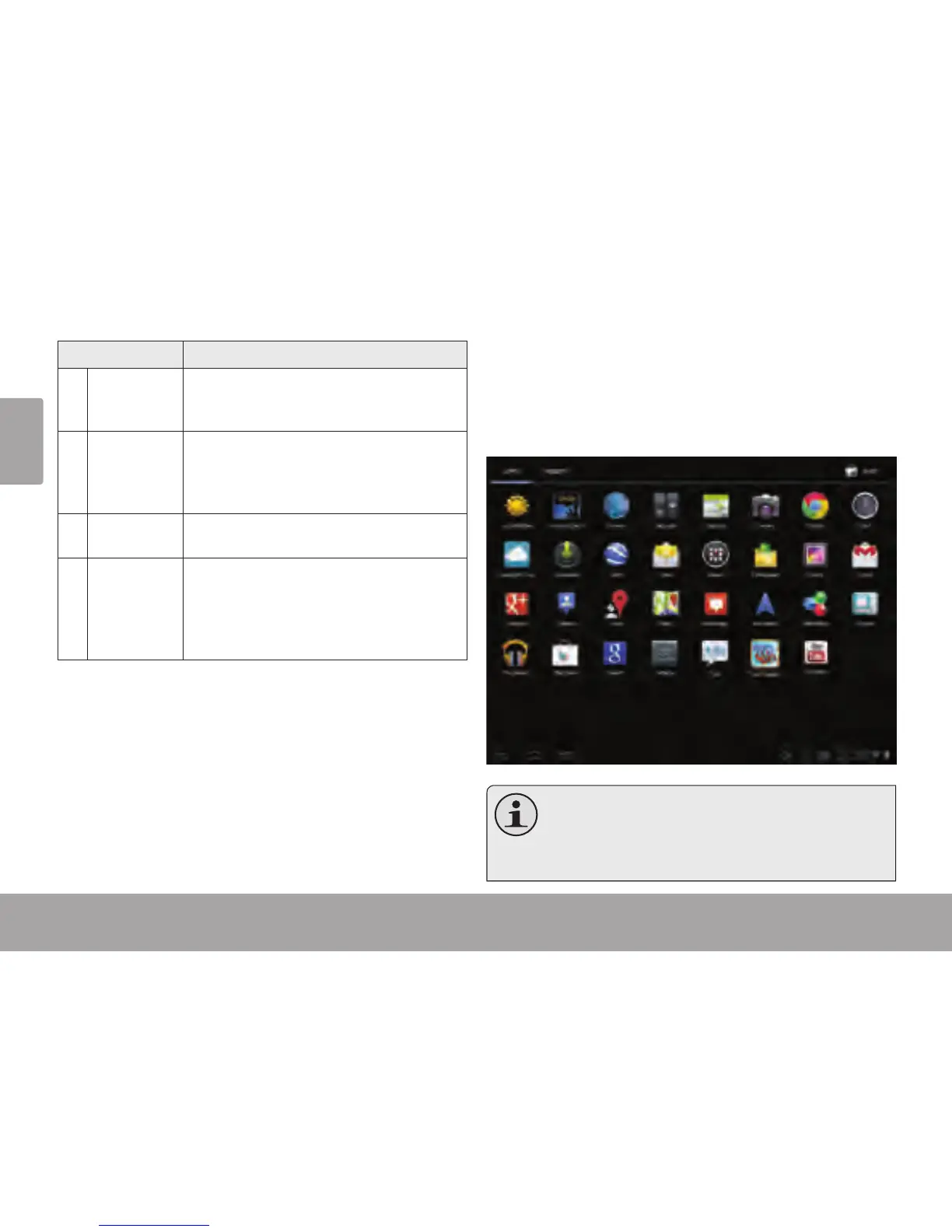
About Applications
To open an application, touch the application icon on the
home screen or in the Launcher.
Launcher screen:
The screen shown above is for illustrative
purposes only. Coby reserves the right to
modify and improve the nal list of applications
available on the tablet.














 To Next Page