Page 24 Browsing The Web
English
 Browsing the Web
The Browser application lets you visit webpages and nd information on the web. Keep up with the news, your
friends, or enjoy video from YouTube™, the world’s most popular video-sharing community.
To use Browser, the tablet must be connected to the
Internet. Read the section “Connecting to the Internet” to
learn how to connect to the Internet.
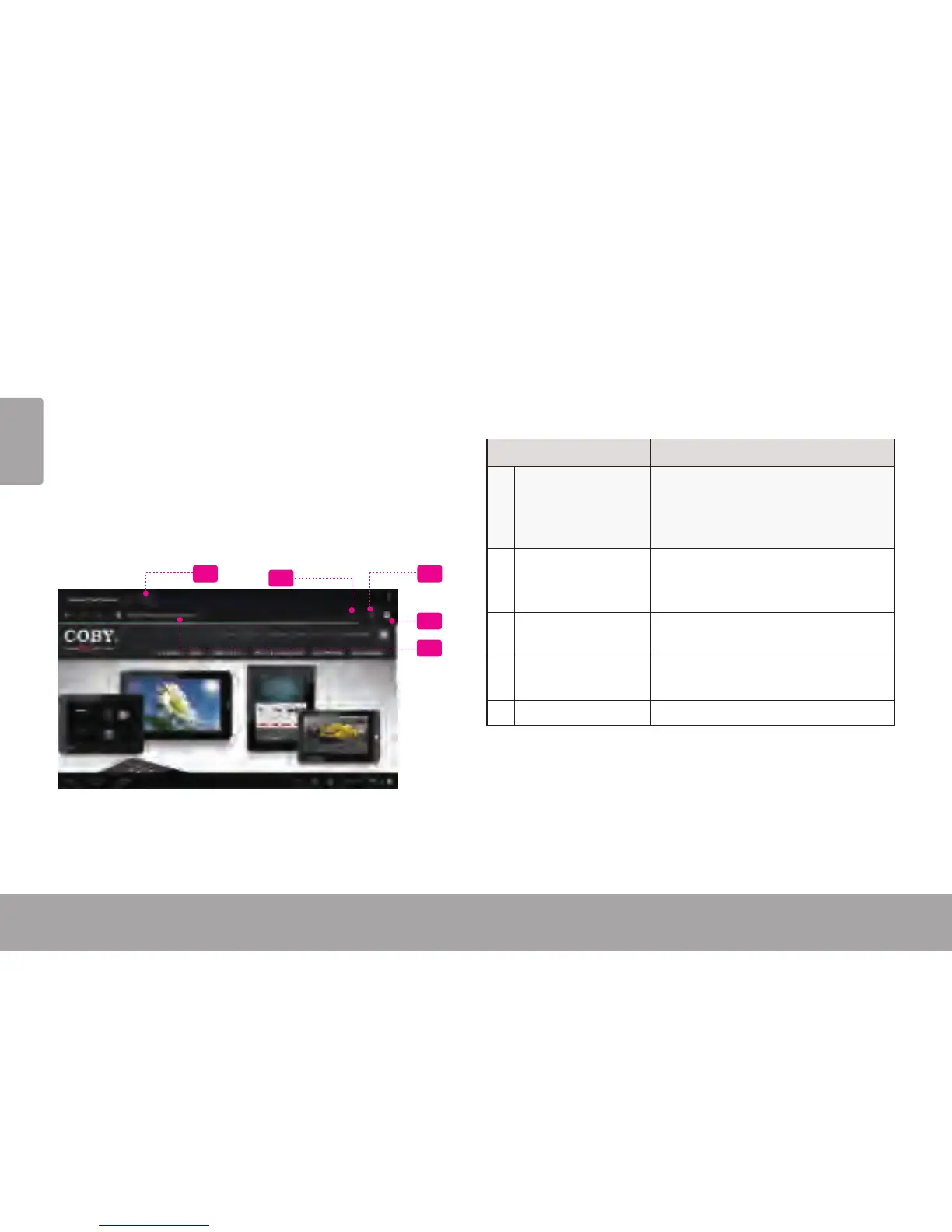
To open Browser, touch the Browser icon on the Home
screen or in the Launcher.
1
2
4
35
Name Description
1 Address bar Displays the address (URL) of the
current page. Touch the bar to
enter a new address or to search
the web.
2 Goto Bookmarks
icon
Touch to view bookmarks, to view
your most visited sites, or to view
your browser history.
3 Search icon Touch to search with Google
browser.
4 Add Bookmark
icon
Touch to add bookmarks.
5 New Window (+) Creates new browser window.














 To Next Page