Page 20 Getting Started
English
About Notications
The icons that appear in the Notication bar at the
bottom right corner of the screen alerts you when new
messages arrive or alarms or other application events
occur.
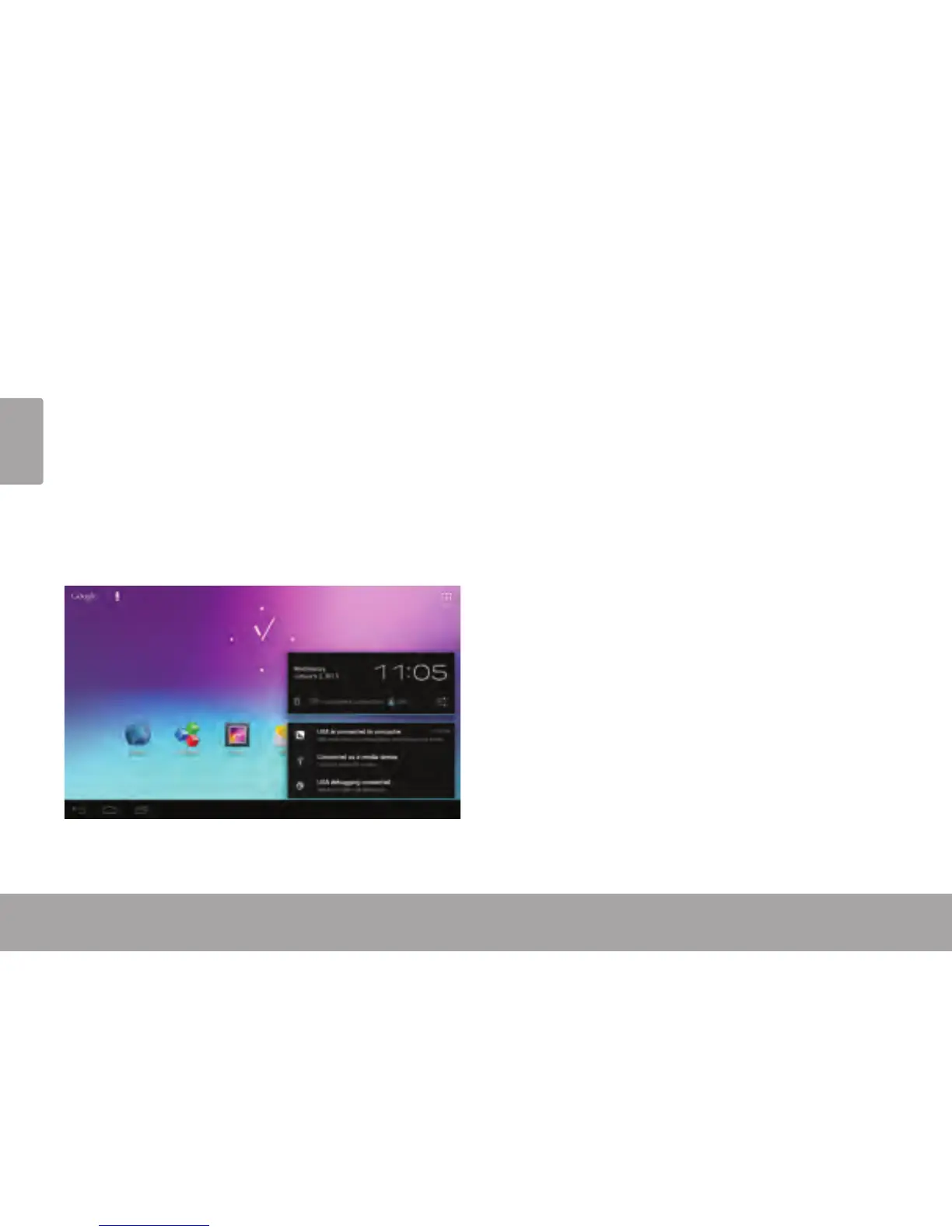
View and respond to the notications by opening the full
Notications panel.
Touch the Notication bar to open the Notications
panel.
To respond to a notication:
Touch a notication in the list; the Notications panel will
close and the application associated with the notication
will launch.
To close the Notications panel:
Touch any other area of screen except the
Notications panel , or;
Touch the Back icon.














 To Next Page