www.cobyusa.com Page 21
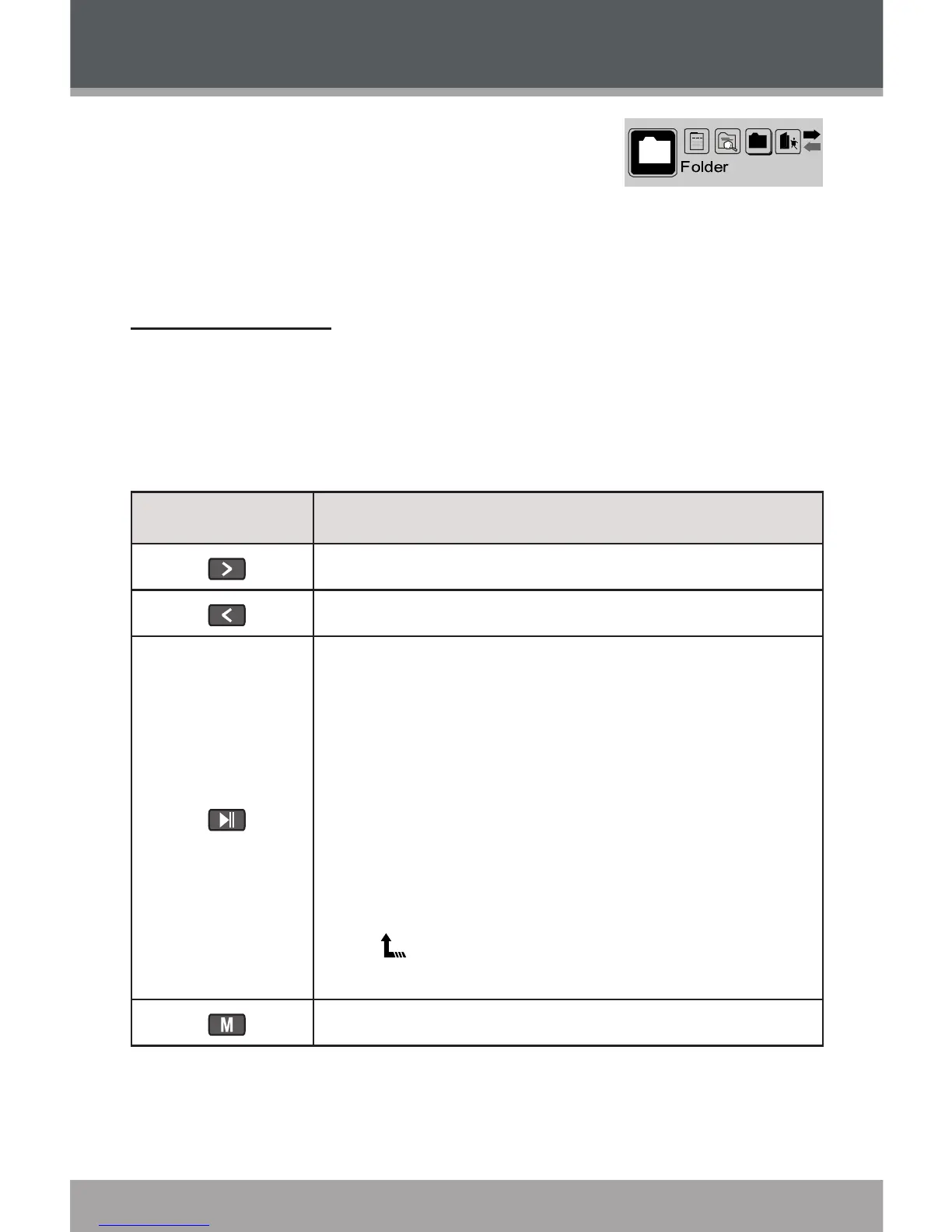
Folder
Enter FOLDER mode to view, play, or
delete les on your player.
You can also connect your player to a computer to easily
manage your le library.
Folder Controls
A directory tree will be displayed on-screen upon enter-
ing FOLDER mode from the Main Menu.
Use the following controls in FOLDER mode.
Key Function
Press Select the next le or folder (down).
Press Select the previous le or folder (up).
Press
If a folder is selected, the folder’s contents will
be displayed.
If a le is selected, an option box will be
displayed:
Select “Play Now” to play the selected le.
Select “Delete?” to delete the selected le, and
then select “Yes” to conrm the deletion.
If the icon is selected, the previous folder’s
contents will be displayed.
•
•
Press Return to Main Menu.


 To Next Page