www.cobyusa.com Page 23
Transferring Files
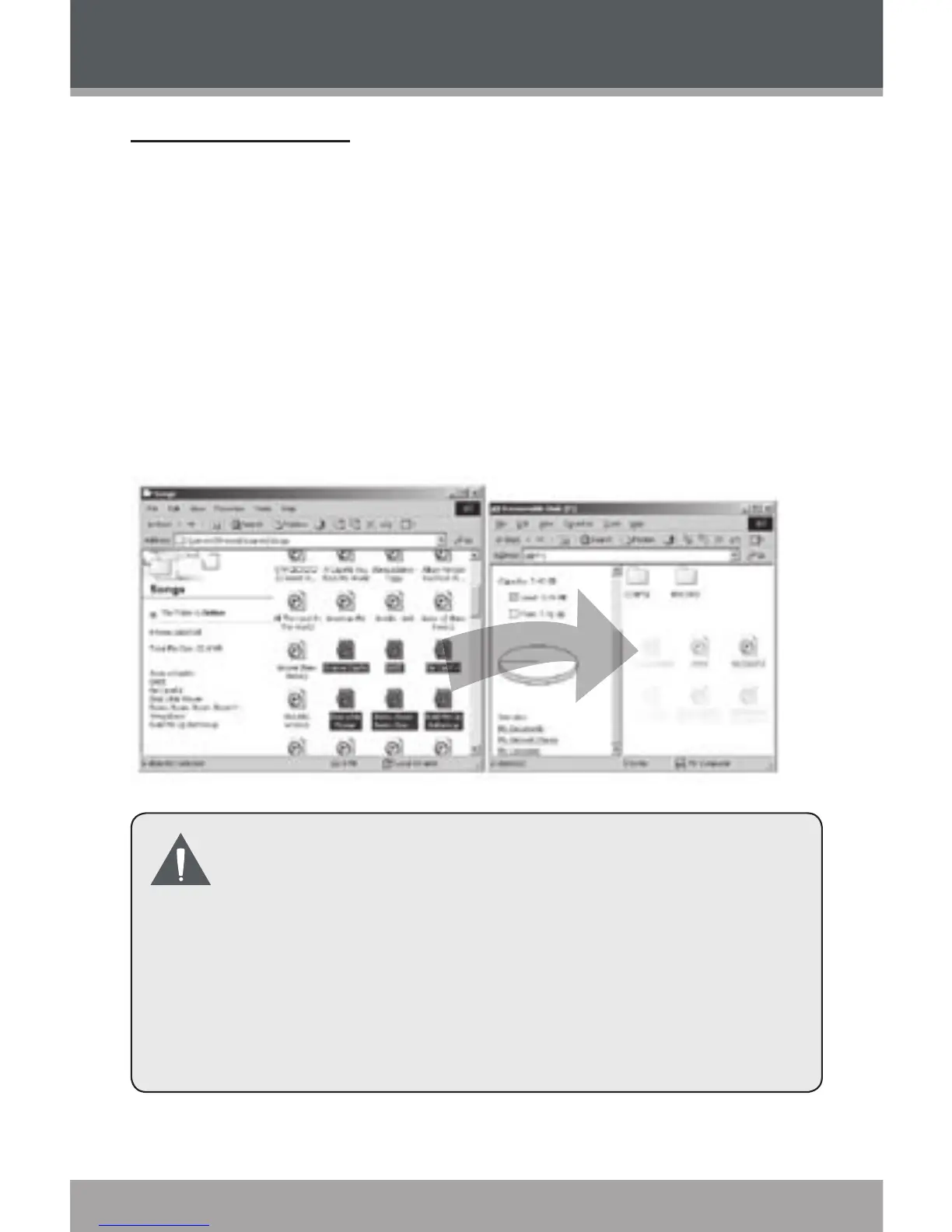
Connect the MP-200 to a computer.
Open the computer’s le browser (e.g., “Windows
Explorer”).
Select the music les to transfer and drag-and-drop
them onto the “Removable Disk” icon that repre-
sents your MP-300.
You may also transfer les from your MP-300 to
a computer.
Do not disconnect the MP-300 or otherwise in-
terrupt the le transfer process. Doing so may
corrupt your les and/or the player’s rmware.
Please refer to the documentation that came with
your computer or operating system for more in-
formation and support regarding music transfer
and le management over a USB connection.
1.
2.
3.
USB Connection


 To Next Page