Page 11 Music Mode
English
Using the Quick Play List
To create a quick Play List that contains your favorite
songs:
Select “Browser” from the Music Browser 1.
screen.
Use the Browser controls to select a song to 2.
add.
Press and hold <ENTER>. The screen will display 3.
“Add to List”.
Press <ENTER> to nish adding the song to the 4.
Play List.
This quick Play List can be played from the
Quick Option menu of the Now Playing
screen.
Now Playing Controls (Music
Playback)
To start playing music, browse for a song and then
press <ENTER> to start playback.
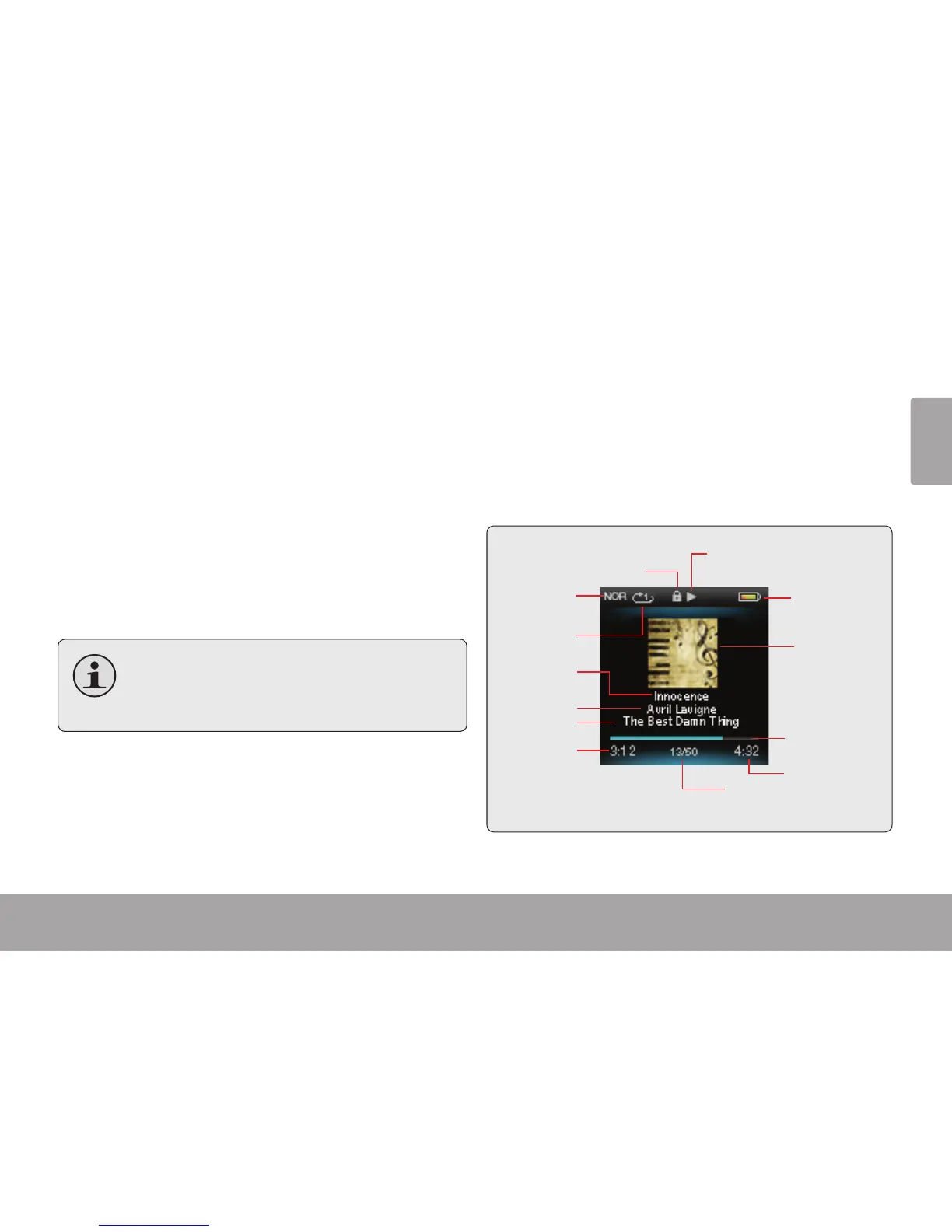
When a song is playing, the Now Playing screen
appears (see below).



 To Next Page