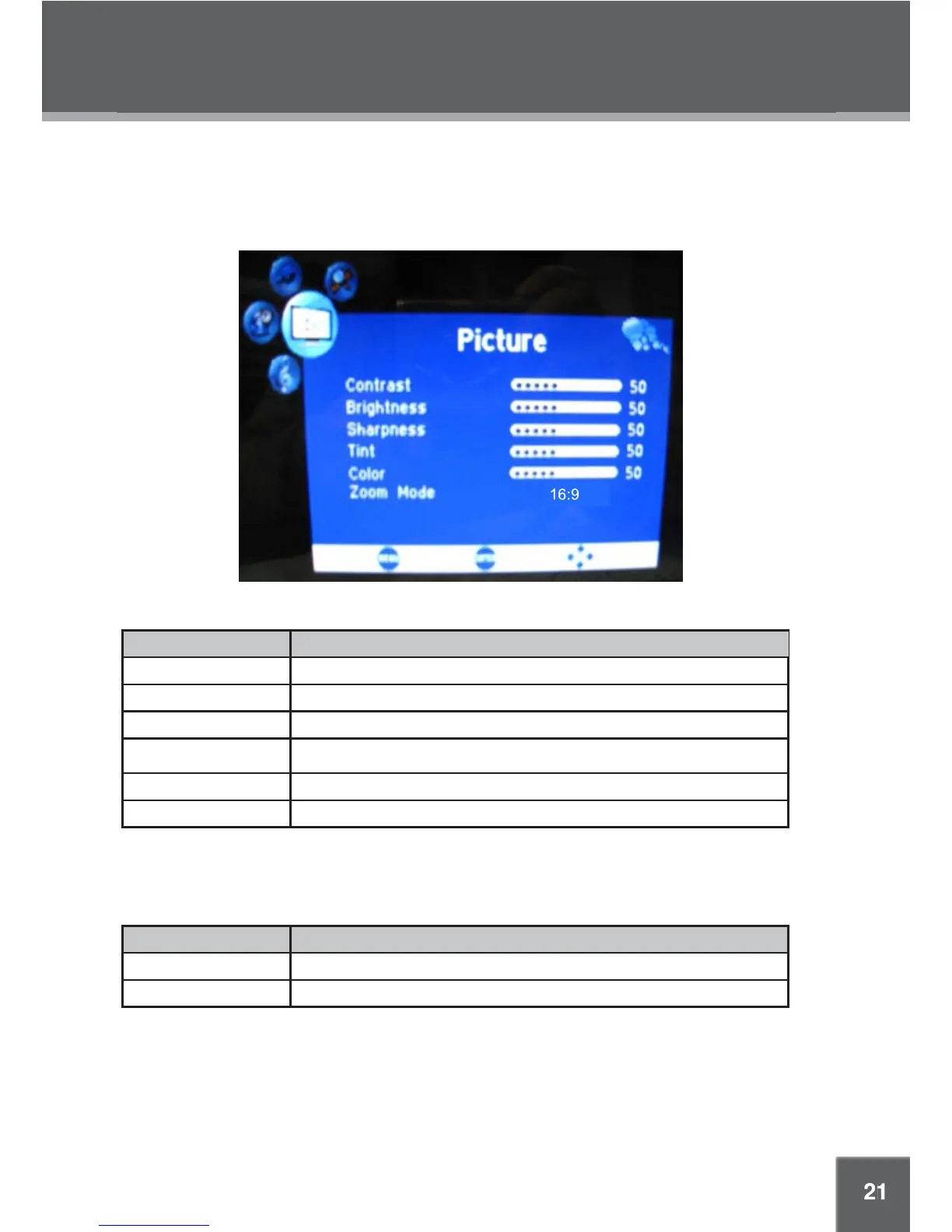
SYSTEM MENU
Picture Menu
Audio Menu (DTV Mode Only)
System Setup Menu
Use the System setup menu to adjust the unit's features and options. Press MENU to display the System
menu. Use the direction buttons to highlight an option; press ENTER to select it. Where indicated, press
RIGHT to adjust the highlighted option. Press MENU again to return to the previous screen or to exit the
System menu. Note: Only available menu options will be displayed.
Item
Contrast Adjust the display contrast
Brightness Adjust the display brightness
Sharpness Adjust image sharpness
Tint Adjust the display tint
Color Adjust the display color
Zoom Mode Set the zoom effect as 16:9/4:3
Description
Item Description
Audio Language Set the audio language.
Balance Adjust the sound balance (left < 50; center = 50; right > 50).



 To Next Page