CONNECTIONS
USB/SD Card Connection
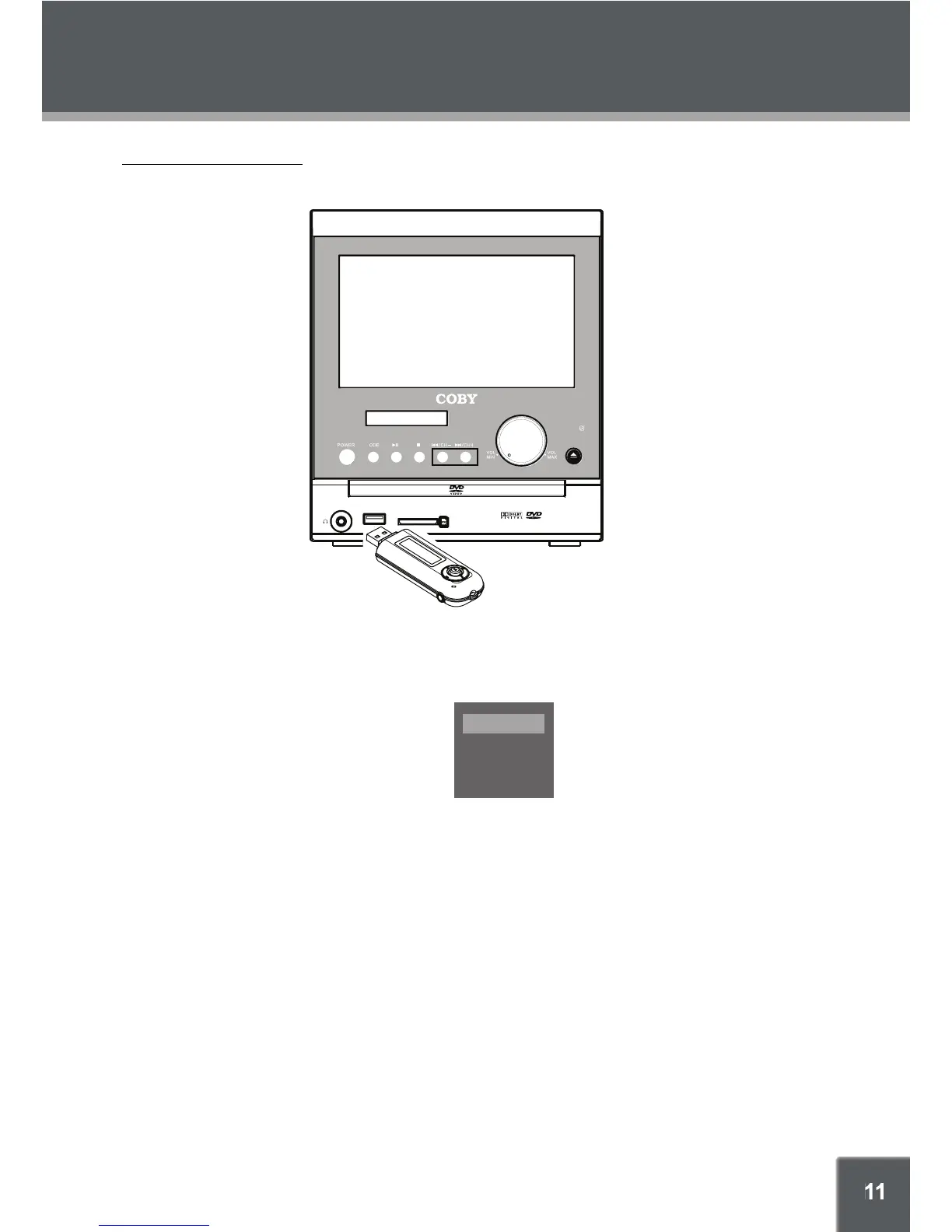
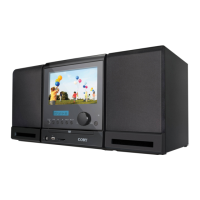
Insert a USB/card into the corresponding slot.
In the DVD mode, press the DVD1. /SD/USB button on the remote to display the source option menu,
use the up/down direction button to select USB/Card, press OK to access.
It takes a short while for the systems’s reading data, 2. once the device is detected by the player, a
working menu would appear on the screen, use the direction buttons to select a le, press OK or
PLAY/PAUSE to start playback. Some discs are recorded without root menu and start playback
automatically.
To exit USB /Card , select DVD from the source menu and press OK. Or just unplug it from the port 3.
when it is not at work.
DISC
CARD
USB


 To Next Page