EasyManua.ls Logo

Coby TFTV2224 - Wall Mounting; Unit View

Coby TFTV2224
22 pages
Print Icon
To Next Page IconTo Next Page
To Previous Page IconTo Previous Page
Loading...
3
1
39
2
4
5
6
7
8
Plastic part
x 2
(e.g. TFTV1923 Rear Cabinet)
Unit Stand
< >
< >
100mm
100mm
11
10
12
13
14
15
16
17
18
19
>
VESA Standard
mounting thread
x 4
Wall Mounting
Pinchtheedgeoftheplasticpartandremoveitfromitsxture.Releasethescrewsinside,takeoffthe
unitstand.
UsetheVESAstandardmountingstoxtheunitonthewall.Takecarewhenmounting,itmaycause
damageorseriousinjuryshoulditfallfromitsmountings.SeetheSpecificationpageforVESA
informaiton.
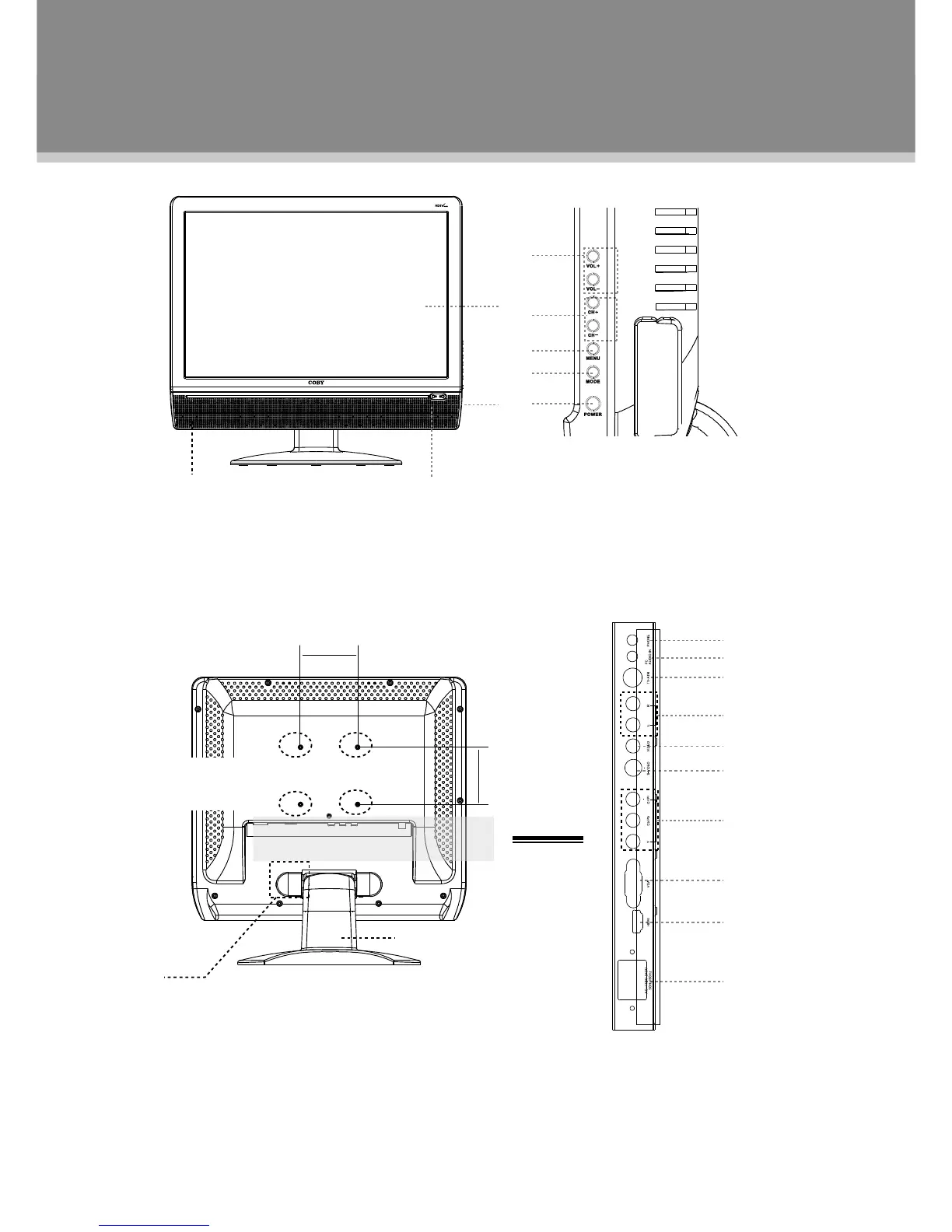
1.TFTSCREEN
2.REMOTESENSOR
3.POWERINDICATOR
4.VOLUME-/+
5.CH-/+
6.MENU
7.MODE
8.POWER
9.SPEAKER
10.PHONEJACK
11.PCAUDIOIN
12.TVANTENNA
13.AUDIOIN((R/L)
14.VIDEOIN
15.S-VIDEOIN
16.COMPONENTIN
17.VGAIN
18.HDMI
19.POWERJACK
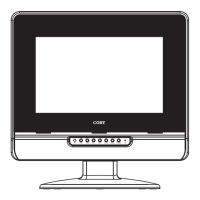
Unit View

Related product manuals