Option 2: Using your Remote Control
1. Turn ON your sound processor(s).
2. Turn ON your Remote Control.
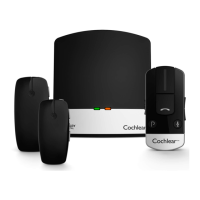
3. Turn ON your Mini Microphone.
4. Press and hold the Telecoil button for 2 seconds, then release.
5. To stop streaming, tap the Telecoil button.
Telecoil
button
NOTE
Screen features may differ between
products. Always consult the user
guide that came with your device for
product specific details.
14 - True Wireless Accessories © Cochlear Limited 2015
Mini Microphone 2 & Mini Microphone 2+


 To Next Page