Care and maintenance
Wireless accessory care
• Clean your Cochlear Wireless accessory using a damp cloth. Never
use household cleaning products (washing powder, soap, etc.) or
alcohol to clean the device.
• When your Wireless accessory is not in use, turn it off and store it
safely.
• Protect your Wireless accessory from excessive moisture (bathing,
swimming) and heat (radiator, car dashboard).
• Protect it from excessive shock and vibration.
• Protect the microphone and charger sockets from debris and dirt.
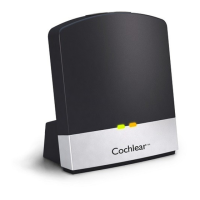
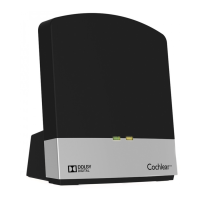
• When your TV Streamer is not being used for extended periods,
unplug the power supply from the wall socket.
Built-in battery care
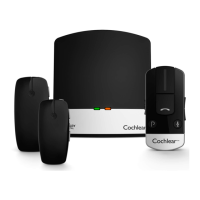
The Phone Clip and Mini Microphone are powered by a rechargeable
battery.
• A new battery performs optimally after two or three complete
charge and discharge cycles.
• The battery can be charged and discharged hundreds of times, but
will eventually wear out.
• Unplug the charger from the mains socket and the product when
not in use.
• If left unused, a fully charged battery will lose its charge over time.
• Leaving the product in hot places will reduce the battery’s capacity
and service life.
• A product with a cold battery may not work temporarily, even
if fully charged. Battery performance is particularly limited in
temperatures well below freezing.
38 - True Wireless Accessories © Cochlear Limited 2015


 To Next Page