Contents
About this Guide ............................................................................................... 5
Wireless accessories .........................................................................................5
Getting started..................................................................................................6
Mini Microphone 2 & Mini Microphone 2+ ................................................. 7
Operating characteristics ..........................................................................8
Preparing for use ........................................................................................9
Power ON/OFF your Mini Microphone ................................................10
Step 1 Pair your Mini Microphone ..........................................................11
Step 2 Stream audio from your Mini Microphone ............................. 12
Using your Mini Microphone .................................................................. 15
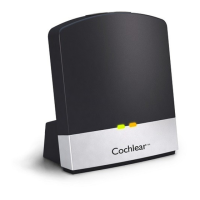
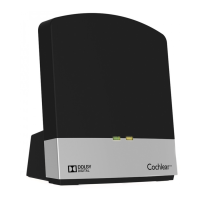
TV Streamer .....................................................................................................20
Operating characteristics ........................................................................20
Step 1: Pair your TV Streamer ................................................................ 21
Step 2: Stream audio from your TV Streamer ....................................23
Phone Clip ........................................................................................................27
Operating characteristics ........................................................................27
Charge your Phone Clip ........................................................................... 28
Step 1: Pair your Phone Clip .................................................................... 29
Step 2: Use your Phone Clip ................................................................... 31
Using multiple accessories ............................................................................33
Change the accessory mixing ratio ...............................................................35
Check the wireless microphone performance ..........................................36
Care and maintenance .................................................................................. 38
Wireless accessory care .......................................................................... 38
Built-in battery care ................................................................................ 38
Charger care ..............................................................................................39
Warranty ......................................................................................................... 40
Certification .................................................................................................... 40
Cautions .......................................................................................................... 41


 To Next Page