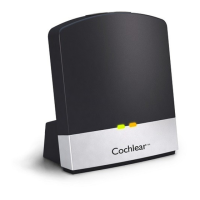
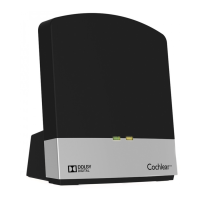
To change the mode of operation do the following:
1. Press the Mode button once. The Mode LED corresponding to the
current mode will be lit
2. Within 3 sec press the mode button again to change mode.
3. Repeat Step 2 until the desired mode is obtained.
4. The new mode will be fully operational when the LED turns off
after 3 seconds.
For further details relating to mode functions, refer to the User
Instructions that came with your Mini Microphone 2+.
Battery Status
To view the current battery status, press and hold the Mode button for
around 3 seconds or until one or more of the Mode LEDs start to blink.
REMAINING BATTERY
CAPACITY
LED STATUS
75-100%
All Mode LEDs blink
50-75%
Three Mode LEDs blink
(FM+Line-in + Telecoil)
25-50%
Two Mode LEDs blink
(FM + Line-In)
< 25%
One Mode LED blinks (FM)
© Cochlear Limited 2015 True Wireless Accessories - 19
Mini Microphone 2 & Mini Microphone 2+


 To Next Page