5. Turn OFF your sound processor(s).
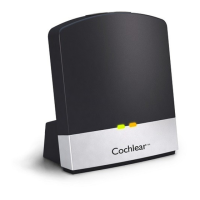
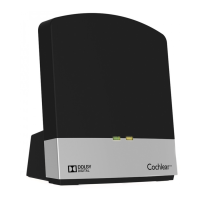
6. Press the pairing button on your TV Streamer once.
The activity light flashes orange for 20 seconds. You must turn on your
processor during this 20 second window to pair it with the TV Streamer.
7. Turn ON your sound processor(s). It briefly flashes a blue indicator
light to tell you pairing has been successful.
8. You can now replace your sound processor(s).
To hear sound via your TV Streamer you need to stream audio.
Go to Step 2: Stream audio from the TV Streamer.
NOTE
After pairing, if you are not
wearing your sound processor,
the blue flashing light will
change to orange.
Activity
light
Power
light
22 - True Wireless Accessories © Cochlear Limited 2015
TV Streamer


 To Next Page