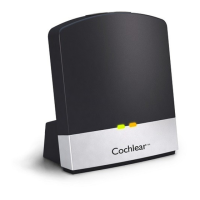
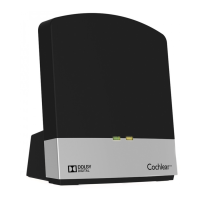
To stream music (from a Bluetooth-enabled device):
1. Connect (pair) the device (for example, mobile phone or computer)
to the Phone Clip using Bluetooth.
2. Start playing music on the device.
You will hear audio playing in your sound processor.
3. To stop streaming, stop playing music on the device.
TIP
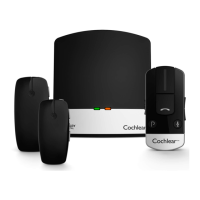
To change the
volume, use the
volume control on
the Phone Clip.
Volume
control
DOWN
UP
32 - True Wireless Accessories © Cochlear Limited 2015


 To Next Page