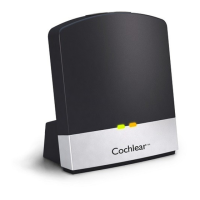
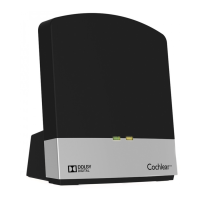
To stream audio with multiple wireless accessories
If your wireless accessory is paired in channel one,
1. Press and hold the button on your sound processor for 2 seconds,
then release. The sound processor flashes a blue light
to indicate audio is streaming.
2. To stop streaming, tap the button on your sound processor.
If your wireless accessory is paired in channel two:
• Press and hold the button on your sound processor for 2 seconds,
then release. Repeat this step to stream from channel 2.
If your wireless accessore is paired in channel three:
• Press and hold the button on your sound processor for
2 seconds, then release. Repeat this step to stream from
channel 3.
34 - True Wireless Accessories © Cochlear Limited 2015
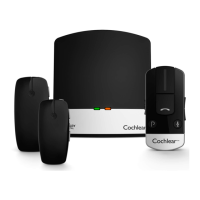
Using multiple accessories


 To Next Page