12
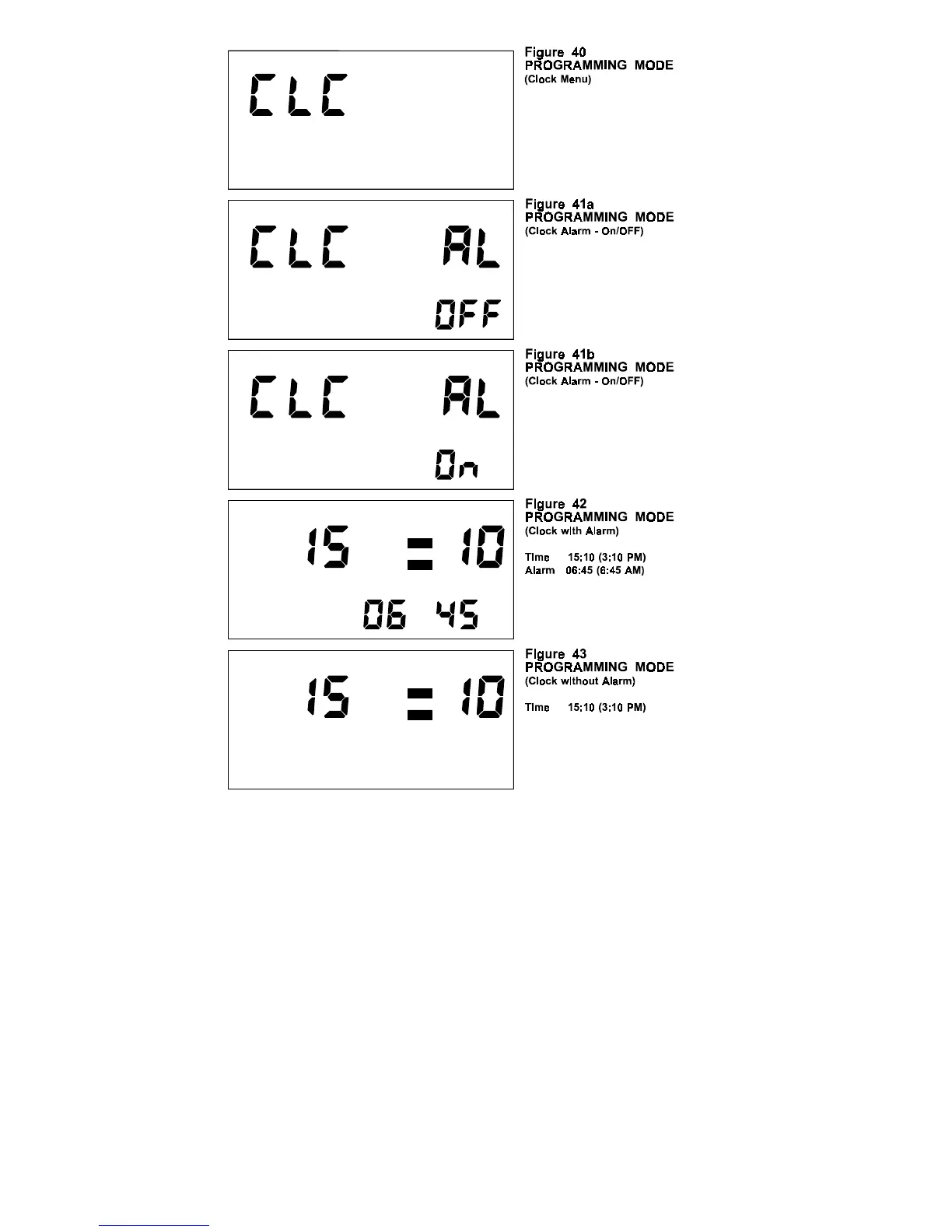
NOTE: Once the COMMANDER is placed in Clock
Mode the unit will remain in that mode until
exited by the diver.
TOUCH PROGRAMMING MODE:
NOTE:
To enable the Programming Mode, the
COMMANDER must be on the Surface and
not in the Post Dive Interval.
NOTE: All audible and visual alarms are
suspended while the COMMANDER is in
the Programming Mode. Upon exiting the
Programming Mode all alarms are
reactivated.


 To Next Page