1
PRODUCT INTRODUCTION:
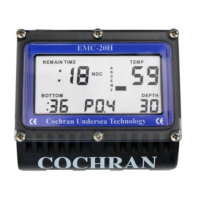
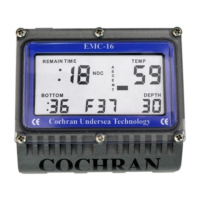
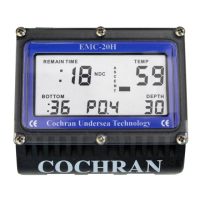
The COMMANDER is
quite simple to use and operate, but underneath that
simplicity lies a significant level of sophistication. To
get the safest and most effective use of this
instrument, it is important that the user fully
understand the product. Please read and understand
this entire manual and know the principles and
practices of safe diving before using this device.
This Manual is divided into the following Sections:
Section Page
• Operation as an Air-only Dive Computer 1
• Alarm Clock Operation 10
• Touch Programming 13
• Warnings 19
• Configurable Items 22
• Specifications and Maintenance 26
• Liability, and Warranty 31
• Itemized Index and Subjects 38
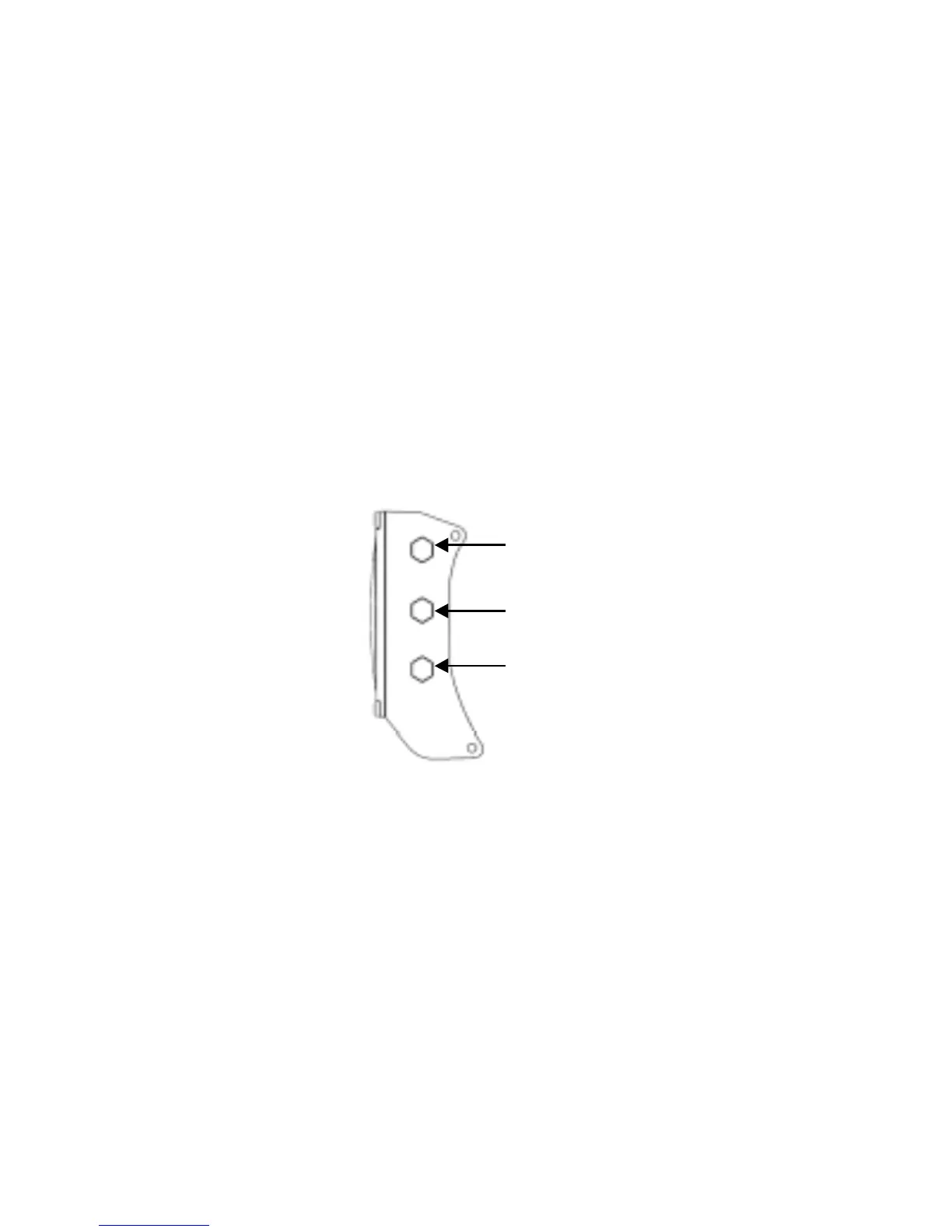
SIDE CONTACTS:
CONTACT #2
CONTACT #1
CONTACT #3
The Contacts are used to let the user command the
unit to do a number of functions, communicate with a
PC for extracting information or configuring the unit,
and determining water conductivity. When Contacts 1
& 2 are shorted, the COMMANDER can detect the
difference between wet fingers, metal objects, fresh
water, salt water, and a PC interface probe.
TURNING ON THE COMMANDER:
Although the
COMMANDER automatically turns on when it is
submerged in water, it is STRONGLY recommended
that the unit be manually powered up by wetting two
fingers and simultaneously touching Contacts 1 and 2
for two seconds. This allows the diver to ensure that
the unit is operating correctly and has adequate
battery capacity prior to entry. Once activated, the
unit will remain on for 60 minutes. If a dive is not
initiated within this 60 minutes, the COMMANDER


 To Next Page