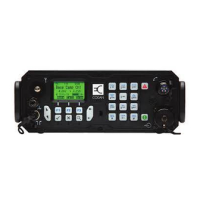
The handset
4 NGT Transceiver Getting Started Guide
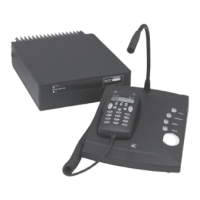
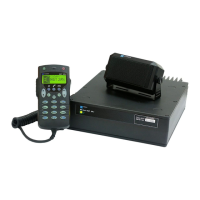
The handset comprises:
• an LCD
• navigation keys (
, , , , )
• volume controls (
, )
• MUTE, CALL and SCAN hot keys
• alphanumeric keys (0–9,
*
, #)
• emergency key ( )
• power key ( )
• microphone
• PTT button
• programming jack
There are two ways to use the keys on the handset. You can:
• press a key, briefly
• hold a key for 2 seconds
The Tick and Cross keys
Press to:
• select the item on the active line in the list
• save changes
• answer ‘yes’ to prompts
Hold to edit settings.
Press to:
• navigate up from settings to entries
• backspace over text
• remove messages on the screen
• cancel changes
• answer ‘no’ to prompts



 To Next Page