Code Blue ● 259 Hedcor Street ● Holland, MI ● 4923 USA ● 800.205.7186 ● www.codeblue.com Rev 6/2021 page 27 of 57 GU-164-A
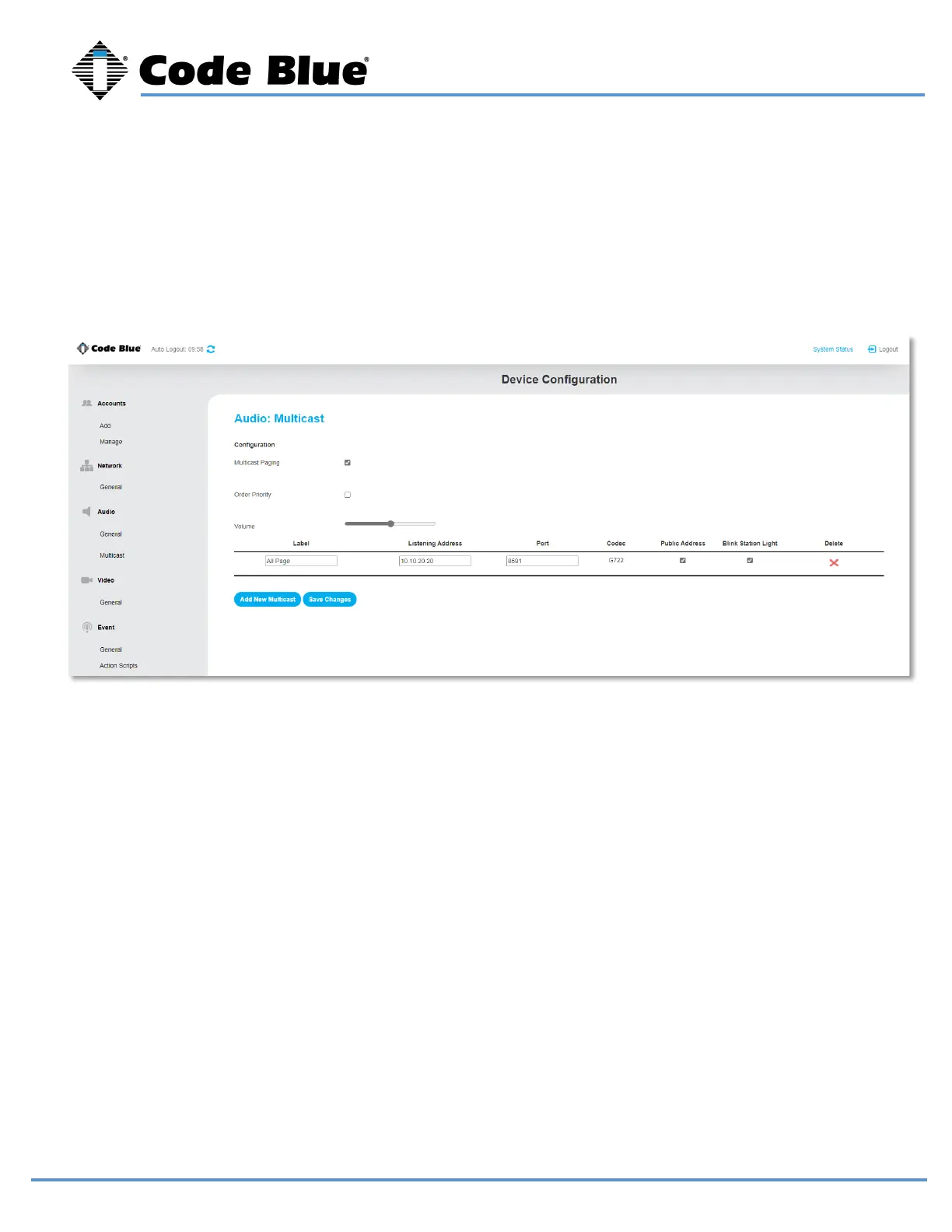
Multicast Audio
To add a new multicast configuration, enter a Label, the Listening IP address and Port.
To change the priority of the multicast, simply drag and drop. A phone call priority level also can be set
with the Order Priority box checked. By default, the Phone Call Priority is set to 0.



 To Next Page